34
6.5 SELECT STATS
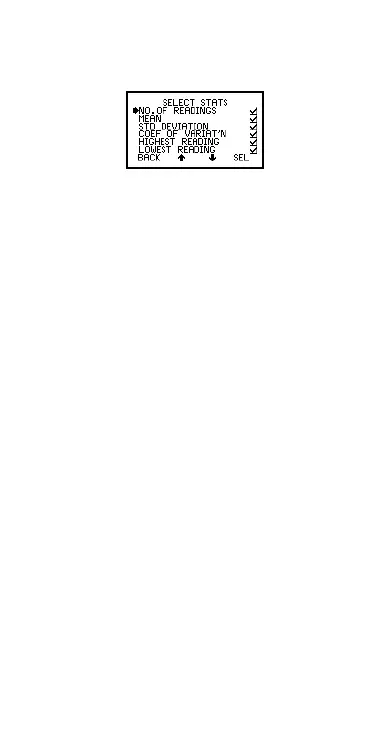
Allows the user to chose which statistical values are
displayed. The default condition is all values (Figure 33).
Figure 33. Select stats menu
Use Up/Down softkeys to move cursor and SEL softkey
to select or deselect the statistical values.
Op_456_2_English.book Page 34 Friday, February 17, 2006 3:35 PM



 To Next Page