33
Up/Down softkeys can be used to move through the list.
OK softkey returns to the Reading Screen.
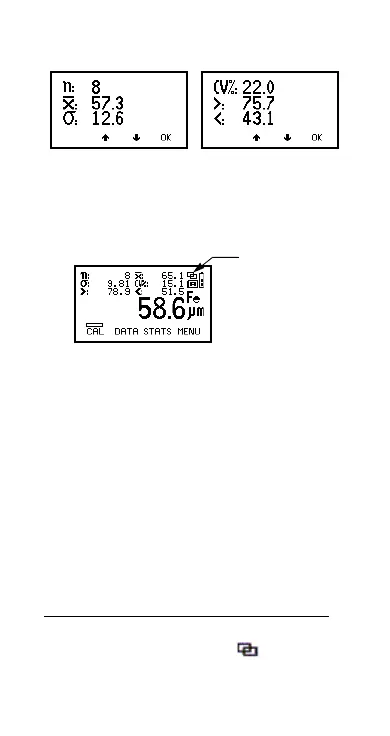
Figure 31. Enlarged statistics
6.2 STATS ON LCD
Activates the presentation of the chosen statistical
values on the reading screen.
Figure 32. Reading screen with all statistics
6.3 DISPLAY
Only applies when using dual function probes. Allows
selection of the types of readings used in the statistical
calculation when a dual function probe is connected.
Probe Options
FNF F, N or F and N combined
d
F1 2 F1, F2 or F1 and F2 combined
d
6.4 CLEAR STATS
Resets to zero all statistical values selected in
STATS MENU/DISPLAY.
d.When readings are combined a symbol will be
displayed on the Reading Screen (Figure 32).
Combined
statistics
symbol
Op_456_2_English.book Page 33 Friday, February 17, 2006 3:35 PM



 To Next Page