2. The User Interface
12
iConnect User Manual
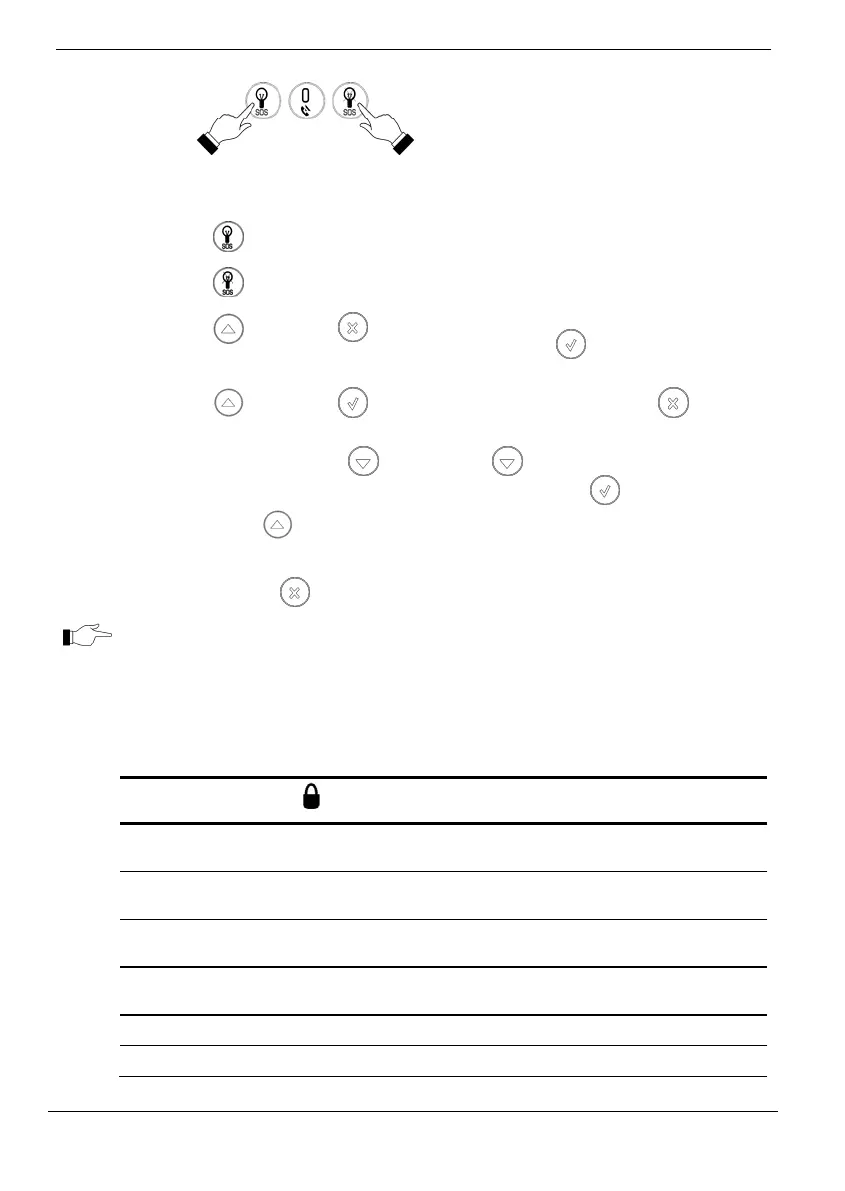
PANIC/SOS
ALARM
Press these two buttons together and hold
them down to generate an alarm.
SWITCH HA
UNIT ON
then [HA UNIT #]
SWITCH HA
UNIT OFF
then [HA UNIT #]
Enter the HA module number in two digits
using number buttons (e.g. 03) or 30 for
PGM.
RECORD
MESSAGE
then
During recording the both LEDs flash in
tandem. Press
to stop recording; the
message is automatically played back.
PLAY
MESSAGE
then
To abort message play press
while
message is playing.
SET TIME
Press and hold down
.
When the numbers start
blinking, adjust the time by
pressing
.
Press
once to switch between hours
and minutes. Press
to exit and save
changes.
TheCancelbutton clearsthekeypadintheeventthatyoupressedabutton
bymistake.Thesystemwaitsforyoutoenterallfourdigitsbeforeitdecidesthat
the code is incorrect. Pressing the Cancel button causes the keypad to disregard
whatwaspreviouslyenteredenablingyoutostartagain.
System Status LEDs
TwoSystemStatusLEDsindicatearmingandpowerstatusoftheWirelessTerminal:
OK LED Status
LED Status
Meaning
Off The Wireless Terminal is disconnected
from all power sources.
On Green The keypad is powered by AC and the
battery is not low.
Flashing Yellow
(slow)
Local backup battery low.
Flashing Yellow
(fast)
Wireless Terminal AC loss.
Off The system is disarmed.
On - Green The system is armed.



 To Next Page