Appendix B: Web User Application
iConnect User Manual
45
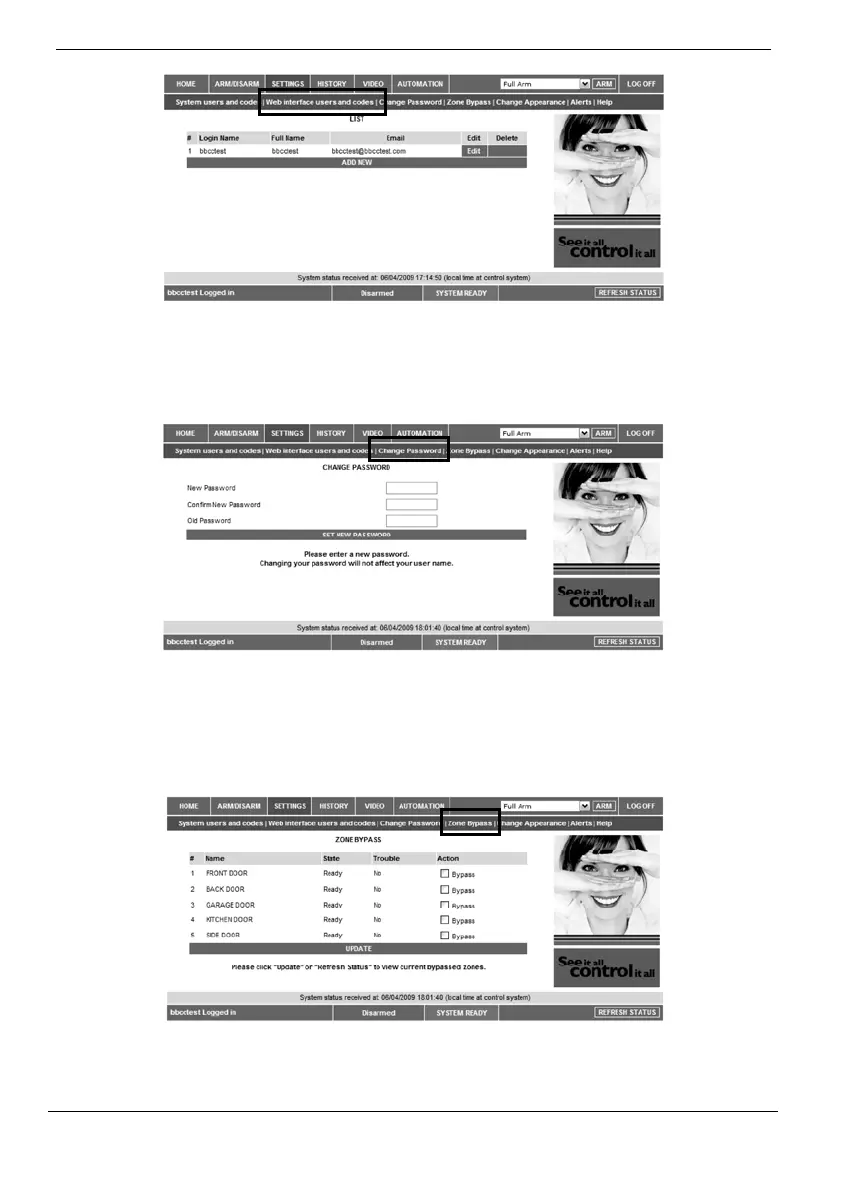
Change Password
Click Settings, then Change Password to change the password you use to login to the
WebApplication.
Zone Bypass
On The Main Page menu, click Settings then Zone Bypass to bypass certain zones in
your home that you donʹt want to receive event messages from – see p. 30,
7.2. Zone
Bypassing/Unbypassing.Selectthecheckboxesforthezonesyouwanttobypass.



 To Next Page