9MA10011 13/52
Password-protectedmenu.
Menutoclear(reset)thealarmlog.
Itishighlyrecommendedthatyouprintthefullalarmlist(see3.2)beforedoing
this.Inthisway,print3.2willonlyprintoutthealarmsthathaven’talreadybeen
printed.
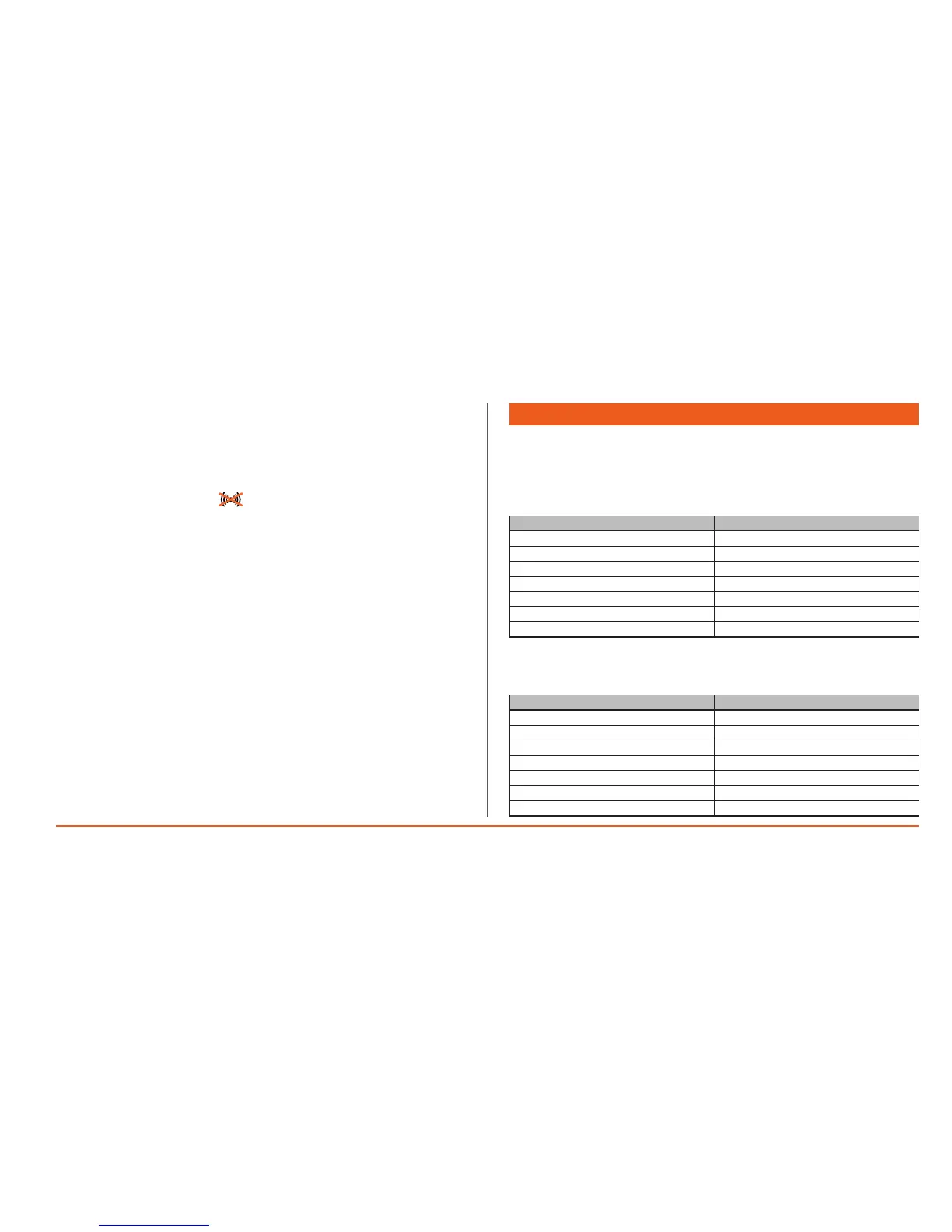
Alarm mute
To mute the alarm press the “ ” button when the device shows the main
visualization.Itisnotpossibletomutealarmswhilenavigatingthemenuorwhile
printing.
4. STANDARD CONFIGURATION
FromtheGeneralmenu,usetheUPandDOWNkeystoselectoption5thenpress
theOKkeytoopenthe“Standard Congurationmenu.Thefollowingpagewill
openonthedisplay,afterthecorrectPASSWORDhasbeenentered**:
Example A:dataloggingunderway.
4 STD CONFIGURATION
4.0 -------------
4.1 Clock&Lang
4.2 Plant
4.3 -------------
4.4 Onboardresources
4.5 Network1
4.6 -------------
Example B: datalogginginterrupted.
Menu4.0isvisibleinthiscaseonly.
4 STD CONFIGURATION
4.0 <Firstswitchon
4.1 Clock&Lang
4.2 Plant
4.3 -------------
4.4 Onboardresources
4.5 Network1
4.6 -------------


 To Next Page