9MA10011 25/52
6. PRINTER
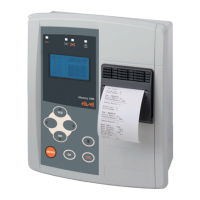
Theprintfunctionisavailableinmodelswithprintersonly.SeeAnnexeA.
6.1 Keys
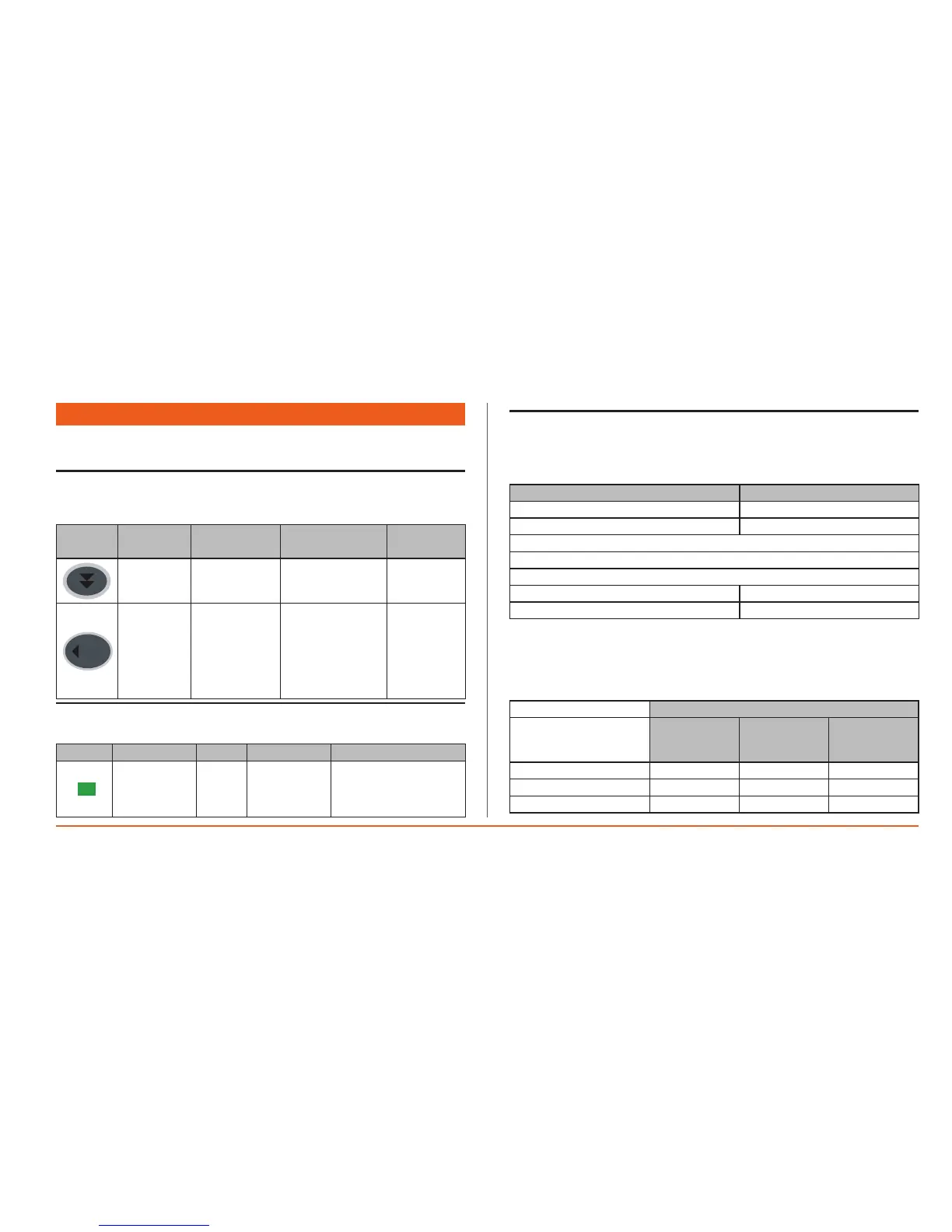
The keys to manage the integrated printer are on the bottom left of the
polycarbonatepanel,andareusedfor.
Key
Description
Key
Press once
(press and release)
Pressione
prolungata
Menu / Note
Paper Feed Paperfeed --
SX
(Left)
Quickaccessto
theprintmenu
forthevalueof
theintegrated
probes
--
enabled in
General menu
ONLY
6.2 LEDs
ThereisasingleLEDtoindicateprinterstatus.
Icon Colour Permanently on Blinking
Printerstatus Green
•Printer
switchedon
fromkey
•Printing
•Printjobsuspended
manuallyfromkey
•Nopaper
•Printererror
6.3 Printer Configuration
The format for data entry is defined in Menu 5.2 Printer. See also section 5
AdvancedConfiguration.
5.2 PRINT PROPERTIES
A4 Landscape
Analogue
Daily
StartfromSunday
RotateprintYES
SI
Fromthismenuyoucanset:
• Papersize(A4landscapeinexample).DefaultsareA4,B4landscape/portrait
andA3.
• Datatype(forGraphprintonly,seemenu2.2GraphPrint).
PRINT
VALUE
READ
ALARM
BAND
DELAY
ALARM
BAND
EMERGENCY
Analogue Yes No No
Analogue&Alarm Yes Yes No
Analogue&All&Emer Yes Yes Yes


 To Next Page