9MA10011 32/52
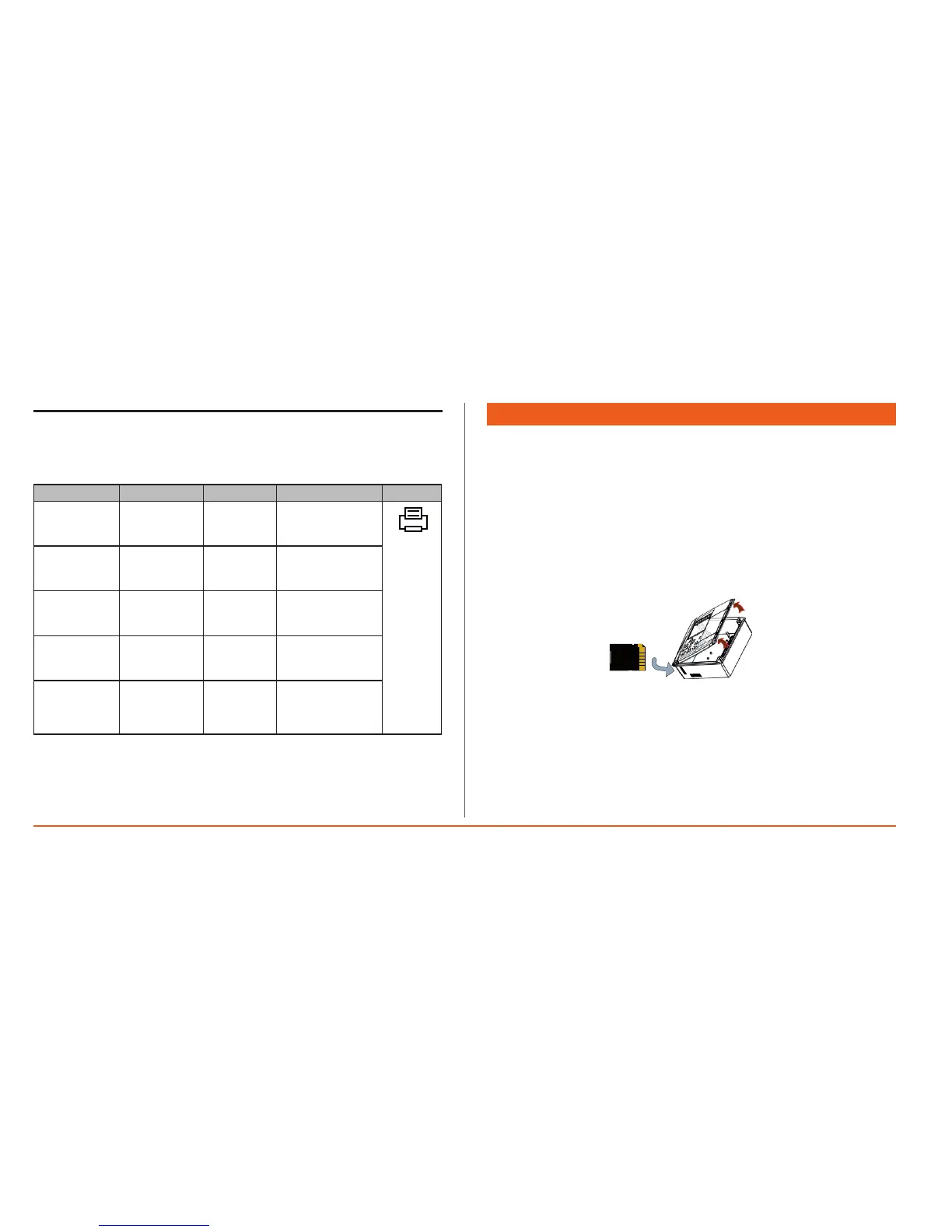
6.6 Printer Errors
Atthestartoforduringaprintjob,anumberofproblemsmayoccurwiththe
printer.Thesehavebeenlistedinthetablebelow:
Message CAUSE EFFECTS REMEDY N.B.
Nodatato
print
Noprint
PrinterLED
blinking
Outofpaper Noprint Replacepaperroll
PrinterLED
blinking
Printernot
connected
Noprint
LED
permanently
on
PrinterLED
permanently
on
Printererror Noprint
PrinterLED
permanently
on
Printjob
suspended
manually
Print
suspended
Takeoutthepaper
rollandrepeatthe
printprocedure.
7. DOWNLOAD DATA WITH SD CARD
The new version of the Memory 1000 has a new fast data download function
viaSDCARD.
NOTE: TheSDCARDmustbeatleast2GBandbepreviouslyformatted
withFAT12,FAT16orFAT32.
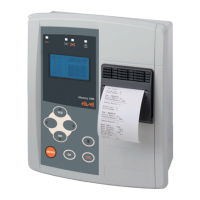
Enter the SD CARD in the slot (see Fig. 1), Memory 1000 will recognize it
automaticallyandthewords“SDCARDIn”willappearonthedisplay.
Oncethecontrollerhasrecognizeditandcheckedithasbeenformatted,itwill
immediatelystarttodownloaddata.Datawillbedownloadedtothisfolder:
\\MMDATA\xxxxxxxx\BIN
where “xxxxxxxx” is a unique 8-figure code identifying the Memory 1000.
During downloading, ‘DownloadingData’ appears on the display.
Once downloading is complete, ‘SDCARDOut’ appears on the display.
Atthispoint,theSDCARDcanberemovedandreadbyaPC.
Thedatadownloadedcanbeimportedbythesamesoftwareusedfordownloading
viatheserialportonthecontroller.
NOTES:
1)TheMMDATAdirectorywillbecreatedautomaticallyifitdoesnot
alreadyexist.
2)Datawillbegroupedinto64kbytefileswithasequentialnumber
identifyingthechronologicalorderinwhichtheyweresaved.
3)NevertrytoremovetheSDCARDwhendataisdownloadingasthis
couldcorruptthedataordamagetheCARD.
g.1


 To Next Page