9MA10011 27/52
6.4.3 Menu 2.2 Graph Print
2.2 GRAPH PRINT
2.2.0 Onboardresources
2.2.1 Network1
2.2.2 -------------------
Menu2.2GraphPrintenablesyoutoprintdataforanonboard/networkresource
ingraphformat.
Forexample,selectthe2.2.0OnboardResourcesmenu:
2.2.0 ONBOARD GRAPH
Startdate:
YYYY/MM/DD 2007/05/24
Analogue
Day
>>>
• Selectthestartrecordingdate.
• Selectthetypeofdatatoprint.
• Fortheprintperiod,selectfrom.
- Day:daily;printfrom00.00ontheselecteddateto23.59onthesameday.
- Week:weekly;printfrom00.00ontherstdayoftheweekto23.59onthe
lastdayoftheweek.
• >>>Movetothenextpagetoselecttheinputandconrmtheprintrequest.
6.4.4 2.3 Print text
Menu2.3Print Text allows youtoprint dataforonboard/networkresources as
text.Samecongurationasmenu2.2(thereisnoTypeofdatatoprintoption-see
section 5.2 Printer).
6.5 Examples of prints
N.B.:Thisisinreverseordercomparedtoarealprint,i.e. for Ø 30mmx57mm
(integratedprinter)thermalpapertheprintreadsfromthebottomtothetop.
6.5.1 Example of graph
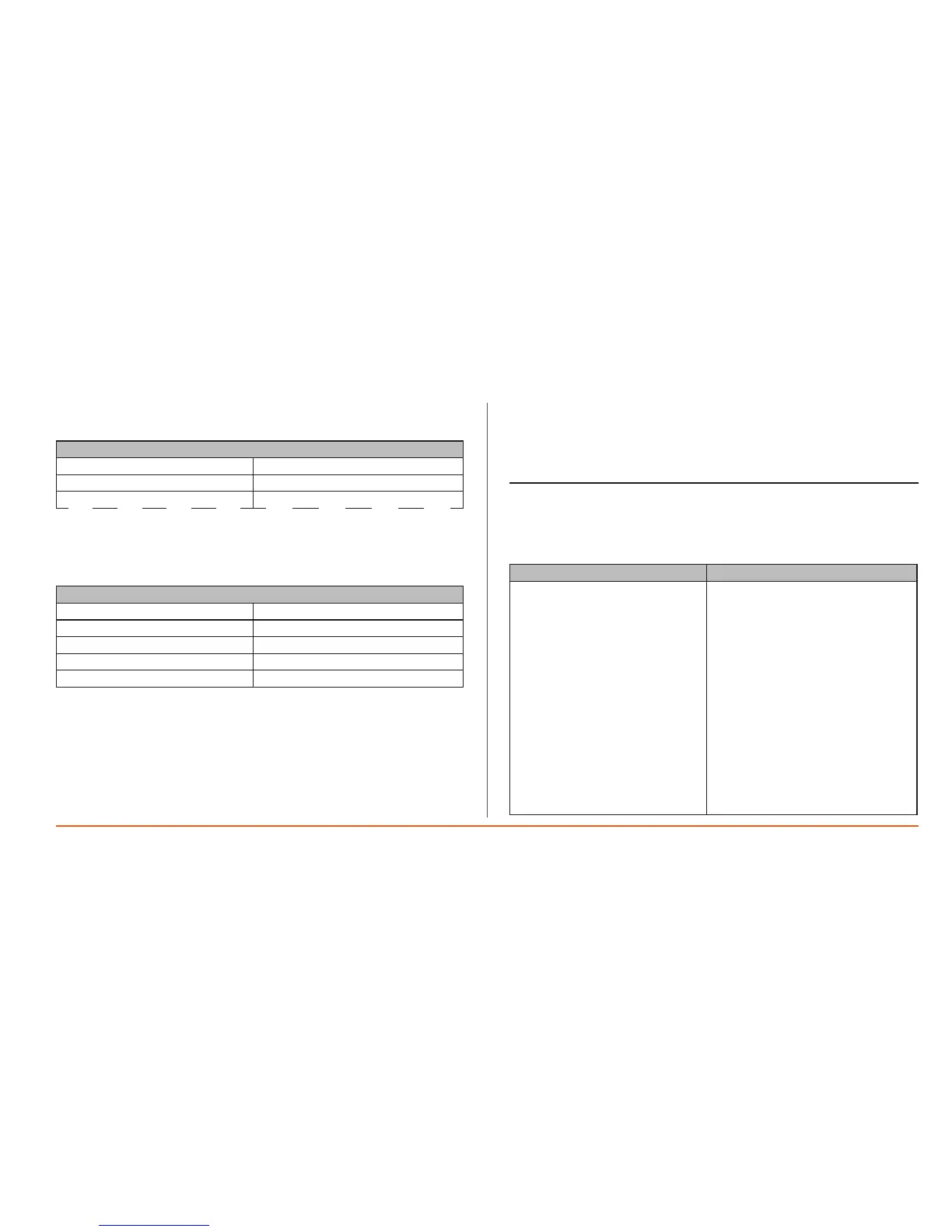
Example of print Description
DATA LOGGER Page 01
12/02/2007 Time 16:51
Device code 0001H 0001H
Daily print 2/06/2007
Probe: ONBOARD P7 (C)
Print header
Theheaderappears:
•atthestartofeachprint;
•atthetopofeachnewpage.
Theheaderincludes:
•Theproductnameandpage
number
•Startprintdateandtime
•Theserialnumberofthedevice
•Thetypeofprint(daily/weekly)and
startprintdate
(1)Nameofprobeandunitof
measure
(2)Timeralarmthresholds
(3)Emergencyalarmthresholds
(4)Acknowledgealarmindicator


 To Next Page