9MA10011 6/52
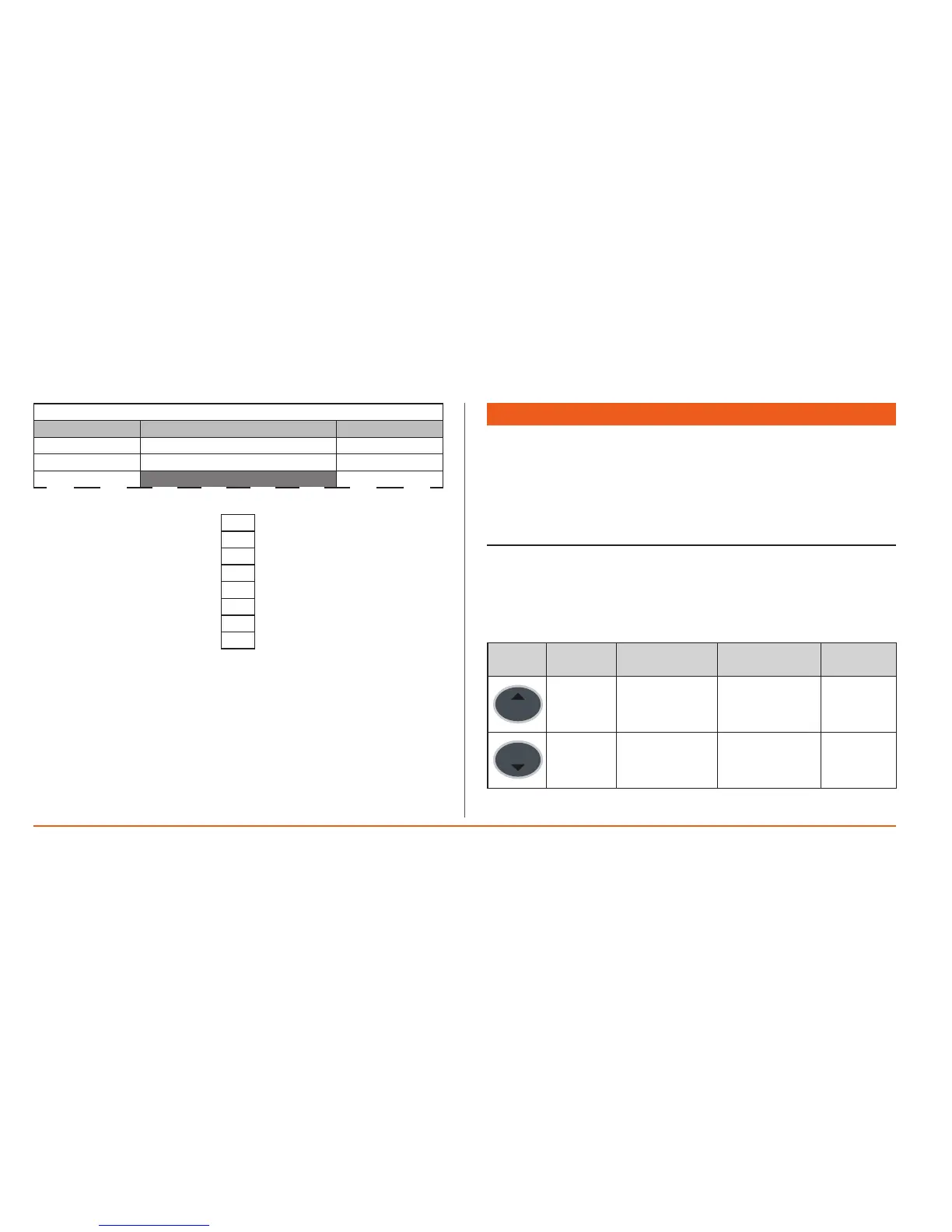
CaseB
0 PRINTING
Interrupted
|
|
|
|
|
|
indicatesthatit’snecessarytopushtheUPandDOWNbuttonstoseeallthe
presentitems
Case B
Thescreenshotwithhatchededgeindicatesapartialvisualisationofthe
screenshotitself(thenotsignificantpartisomitted)
2. USER INTERFACE AND MENUS
Memory 1000 has agreen LCD graphic display withbacklit functions, contrast
controlandon/offmodesconfigurablefromparameter.
The display serves asthe main user interface and shows various differenttypes
ofinformation:
• Default/mainviews(i.e.valuesofdataread).
• Selectionmenu.
2.1 Keys
Thereare8keysonthefrontpanel.Eachkey(seethetwotablesbelow)has:
• A“direct”action(markedonthekey).
• An“associated”function(markedonthefrontpanelofthedevicebesidethe
key).Inthemanual,thisisshowninsquarebrackets(e.g.[UP]).
Key
Description
Key
Press once
(press and release)
Key
[associated function]
Menu /
Comments
UP
(UP)
• Increasesavalue
• Goestothe
previouslabel
YES (^=YES)
Conrmsthe
selection/change
DOWN
(DOWN)
• Decreasesa
value
• Goestothenext
label
NO (v=No)
Cancelsselection/
change


 To Next Page