9MA10011 7/52
Key
Description
Key
Press once
(press and release)
Key
[associated function]
Menu /
Comments
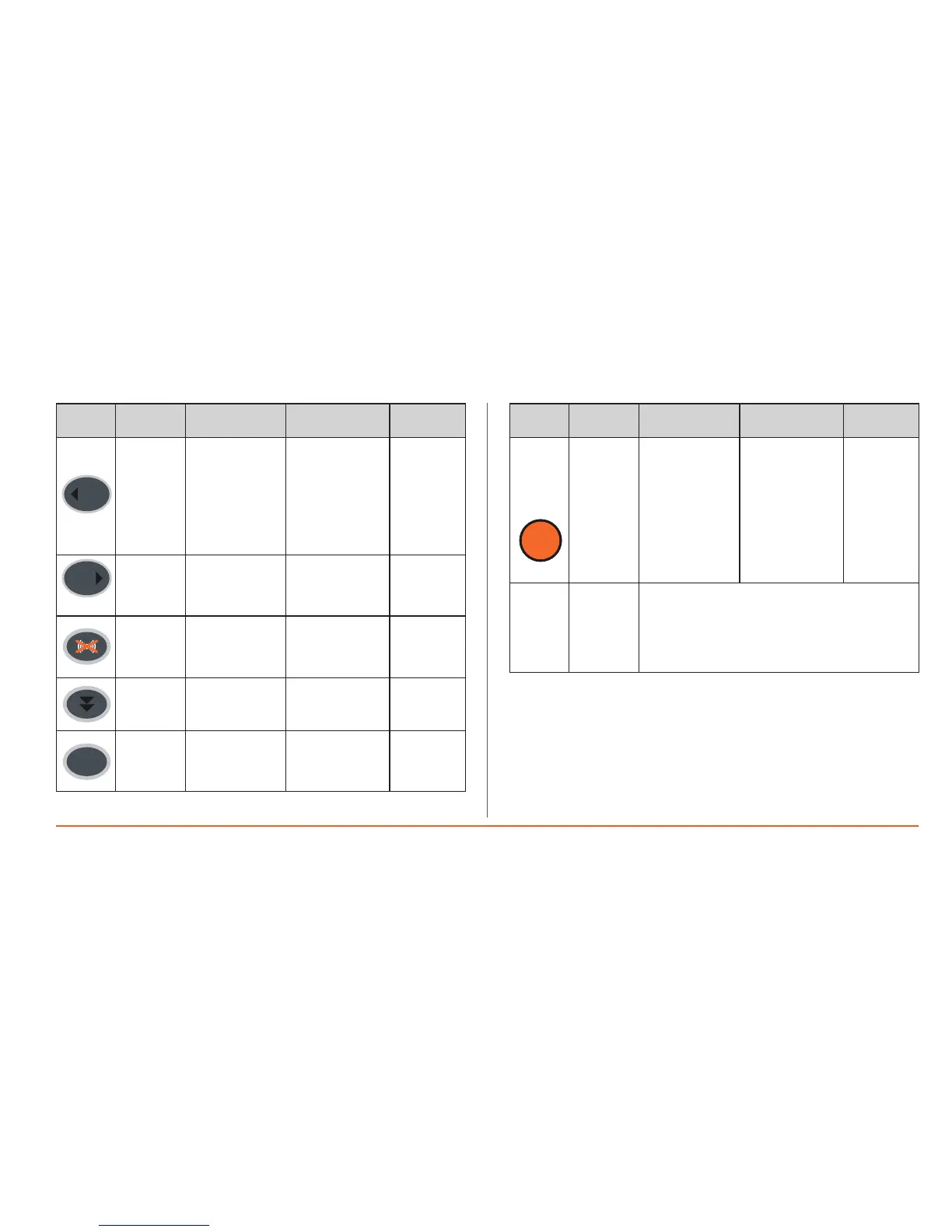
SX
(Left)
• in the characters
table, it moves to
the label on the
far left
• Quick access to
the print menu for
the value of the
integrated probes
Not enabled
in General
menu
DX
(Right)
• in the characters
table, it moves to
the label on the
far right
Not enabled
in General
menu
Alarm
AcKnow-
ledgement
• Alarm
Acknowledgement
(if there are any
active alarms)
enabled in
General menu
ONLY
Paper Feed
• Feeds forward
the printer paper
OK
Confirm
• Opens modify
value
• Confirms value
entered
Key
Description
Key
Press once
(press and release)
Key
[associated function]
Menu /
Comments
Onlykey
enabled
inMain
Display
Menu
• Opensgeneral
menu
• Opensmenus
• Esc(ape)
function–goes
backtoprevious
level**
SeeGeneral
Menu
**NOTE:if
youareasked
toconrm
changes
^=YES/v=No
thekeyisnot
enabled
Timeout
Ifnokeysarepressedformorethanoneminute,the
MainDisplayreturns.
N.B.:anychanges/settingswillnotbesavedonexiting:
• Foratimeout
• Usingthemenukey
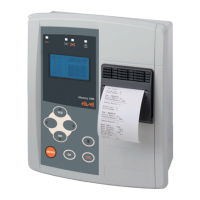
Pagesconsistoffixedandeditablevalues.
Toeditavalue,highlightitwiththecursorusingtheUpandDownkeys.
After it has been highlighted, press the OK key to enable editing (the field is
enabledforeditingifthecursorhighlightingitflashes.
UsetheUpandDownkeystosettherequiredvaluethenconfirmthisbypressing
theOKkeyagain.


 To Next Page