25
W450320A 09/12
Operator Programmable Alarms
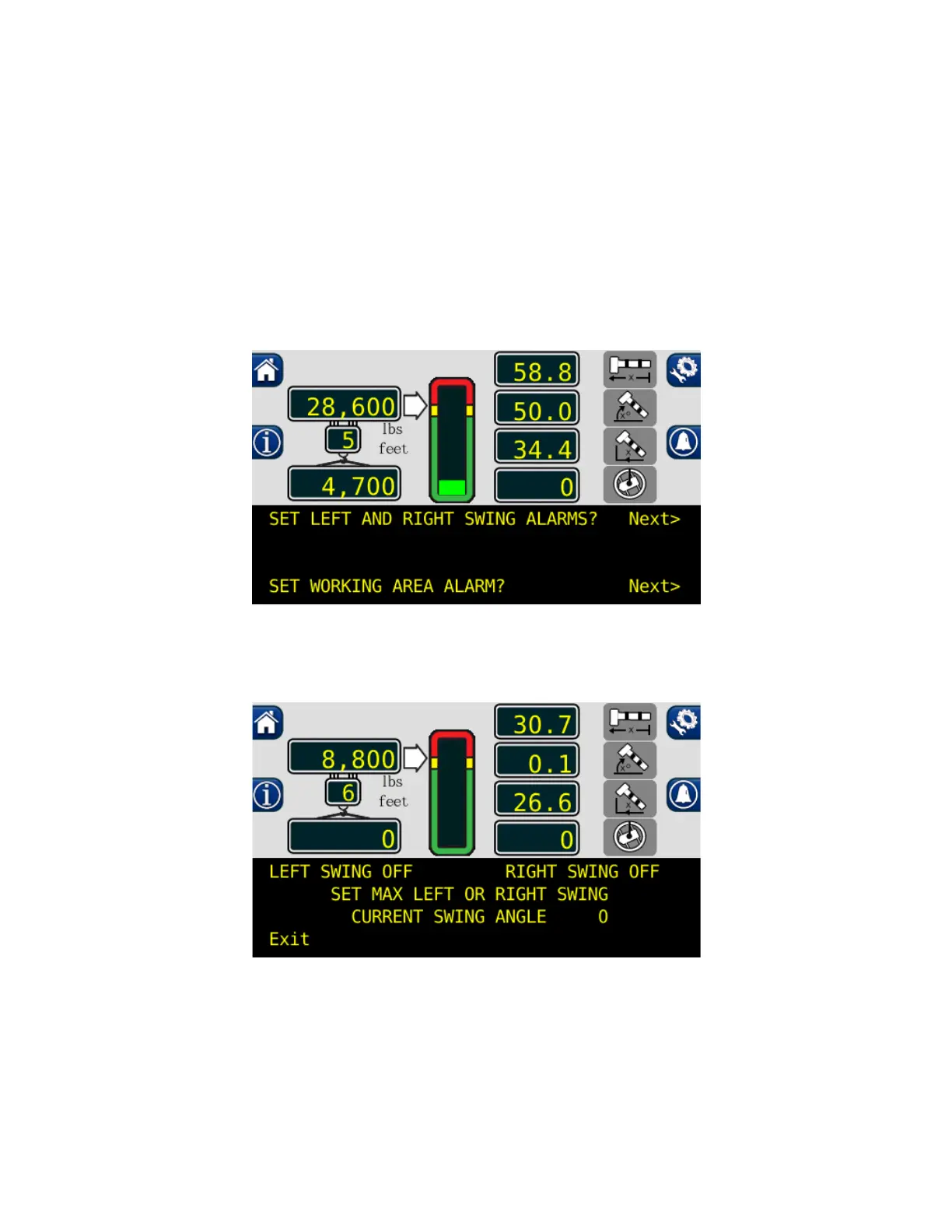
Setting the Swing Alarms (If Equipped with Swing Sensor)
When the swing travels one degree past either set point, the operator will be visually and audibly
warned. The display will show either, “WARNING! – RIGHT SWING!” or “WARNING! – LEFT SWING!”
The alarm condition will once the crane is back into the working area.
1. Press the configuration button to access the operator alarms from the main working screen.
2. Then press the operator alarm button twice.
3. Press “Next” button adjacent to “SET LEFT AND RIGHT SWING ALARMS?”
4. If a swing alarm is already set, press the “LEFT SWING” and “RIGHT SWING” buttons, to turn
off the current alarms.



 To Next Page