26
W450321A 09/12
5.7 Calibrating the Swing Sensor (If Equipped)
After completing the extension and angle span, return to the main calibration screen.
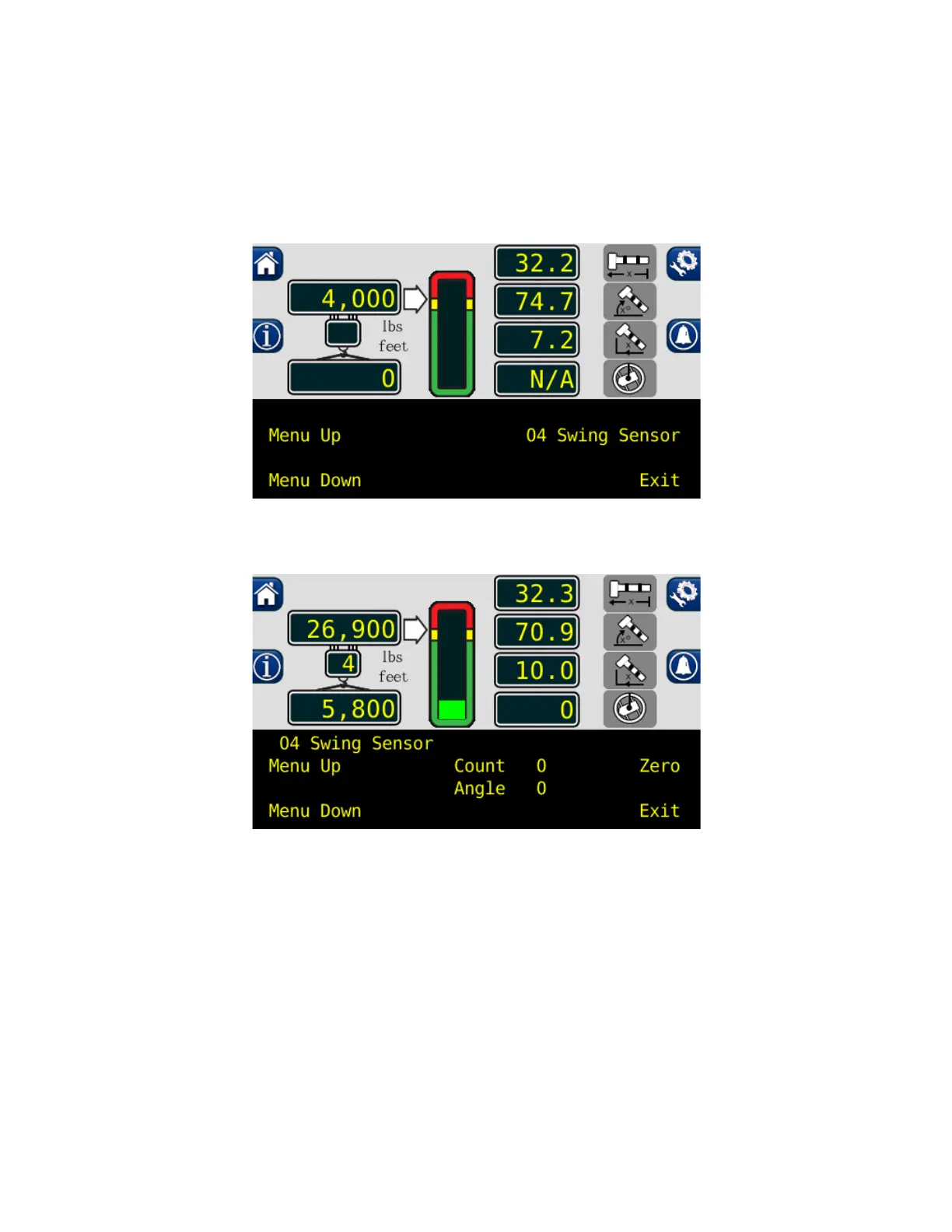
1. Press the “Menu Up” button until “04 Swing Sensor” is reached. This menu will allow a zero
point to be set on the swing circle and a direction for the system to track the rotation angle.
2. Press the “04 Swing Sensor” button.
3. Press the “Zero” button, to set the swing sensor to zero with the current boom location.
4. The swing sensor is now zeroed.



 To Next Page