25
W450321A 09/12
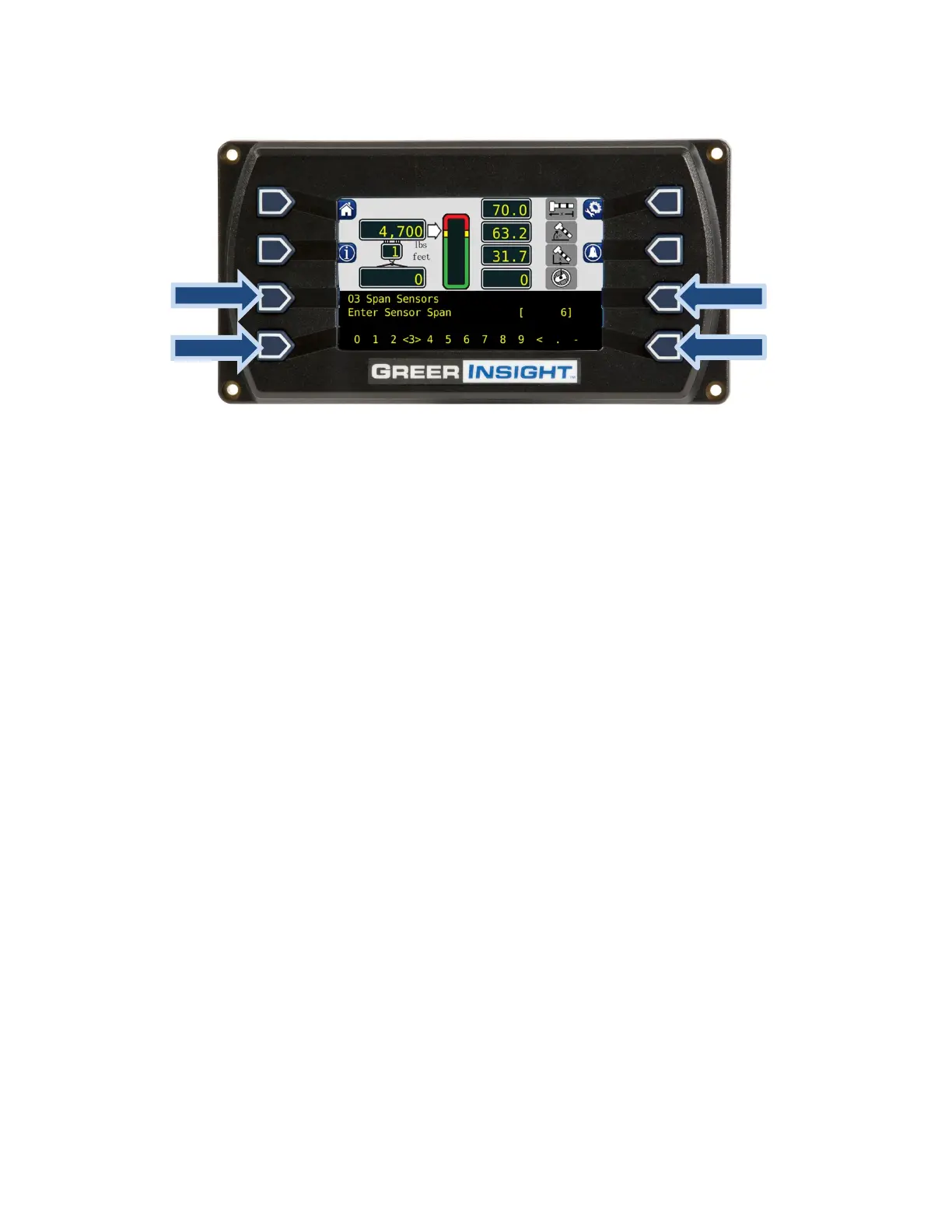
9. Use the following screen to enter the number. Always enter numbers with a decimal point.
10. The lower left and lower right buttons are used to select the number. The number inside the
brackets is the current selection, in the above image, the number 3 is between the brackets.
11. Use the upper left button to enter the numbers, one at a time.
12. When the number is entered, press the upper right button to enter the number into the system
memory. Once entered the extension and span calibration routine is complete.



 To Next Page