14
W450321A 09/12
4.1 Display Console Overview
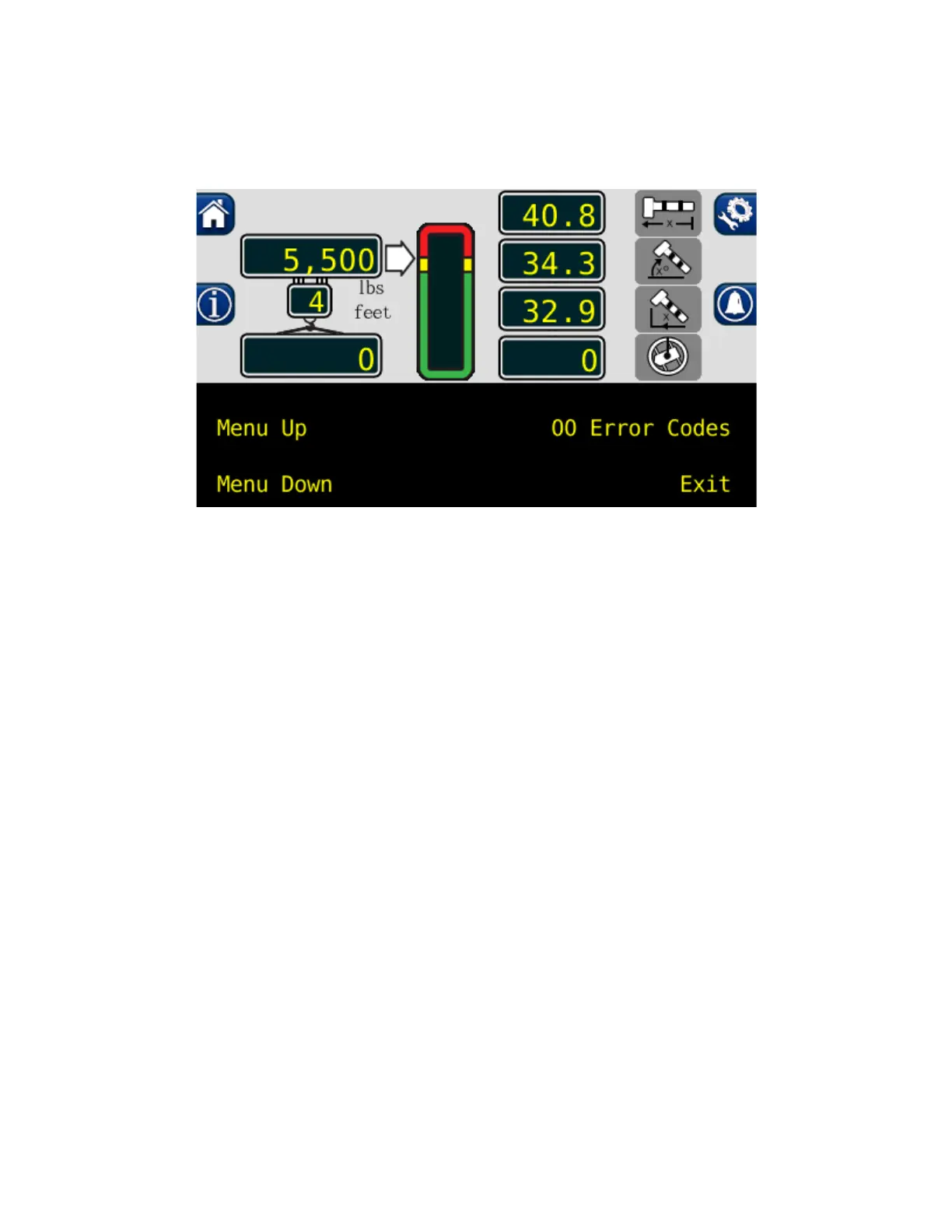
The Display Console allows the user to see the crane values and crane configuration selection. The
display also provides calibration functions used for testing and fault diagnosis.
4.2 Checking the Display Console
When operated for extended periods under extreme conditions, the console can become damaged.
The damage is not always apparent. To help identify subtle faults that are sometimes difficult to find,
please review 4.3 through 4.6.
4.3 Unresponsive Buttons
All button options are not available for use at all times. It is important to verify that the non-responsive
button is programmed to respond during the operation of the System. Press the button in the center.
Pressing the printed symbol ‘at one end’ may not activate the switch underneath. Buttons that are
damaged or have a surface that is worn may cause the switch underneath to operate improperly. In this
case, refer to REPLACING THE DISPLAY CONSOLE.



 To Next Page