28
W450320A 09/12
Operator Programmable Alarms
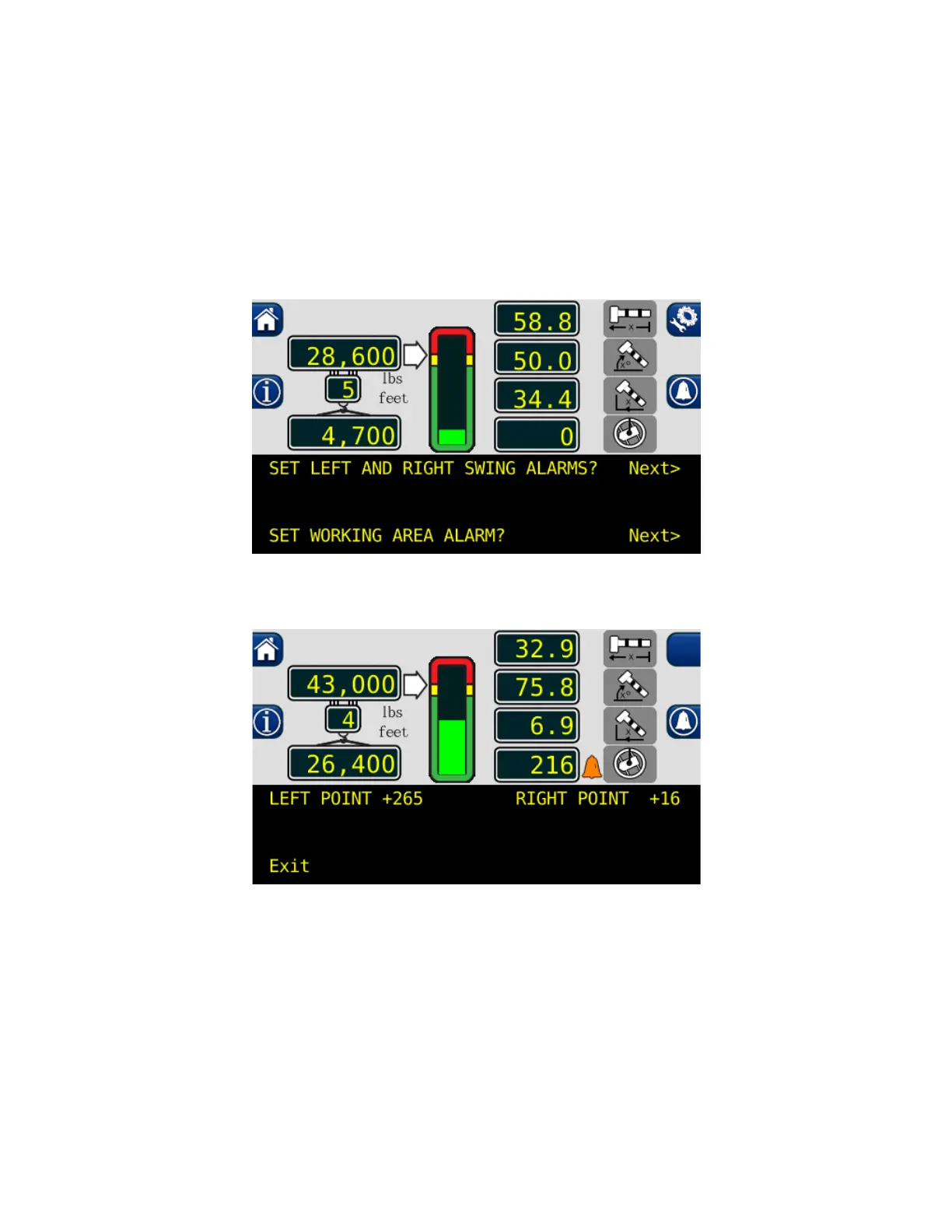
Setting the Work Area Alarms
1. Press the configuration button to access the operator alarms from the main working screen.
2. Then press the operator alarm button twice. The information screen will show the current status
of the swing and work area alarms. NOTE: The location of the operator alarm button moves
after the first press.
3. Press “NEXT” button adjacent to “SET WORKING AREA ALARM?”
4. To set a new swing area, the left and right points must be reset.
NOTE: In order for the swing alarms to function properly both alarms must be set. If the
procedure is aborted before both points are set, the alarms will default to “OFF.”
5. Press the “LEFT POINT” and “RIGHT POINT” buttons. This will reset the set points.



 To Next Page