18
➏ TROUBLE SHOOTING
■SYMPTOMS AND CONFIRMATION
Check the following items. If any abnormality is found, consult the dealer from whom you
purchased this product or our nearest branch/office.
・ The cable is not correctly connected.
・ The AC adapter is disconnected from the power supply
socket of the unit.
・ Zoom is set at the TELE side, displaying only the white or
black part of the document.
・ If you turn the power ON immediately after turning it OFF,
the unit may not start. Wait for several seconds after
turning the power OFF, and then turn it back ON.
・ The USB cable is disconnected.
・ The output setting does not match the cable connected to
the unit. Set the correct output setting.
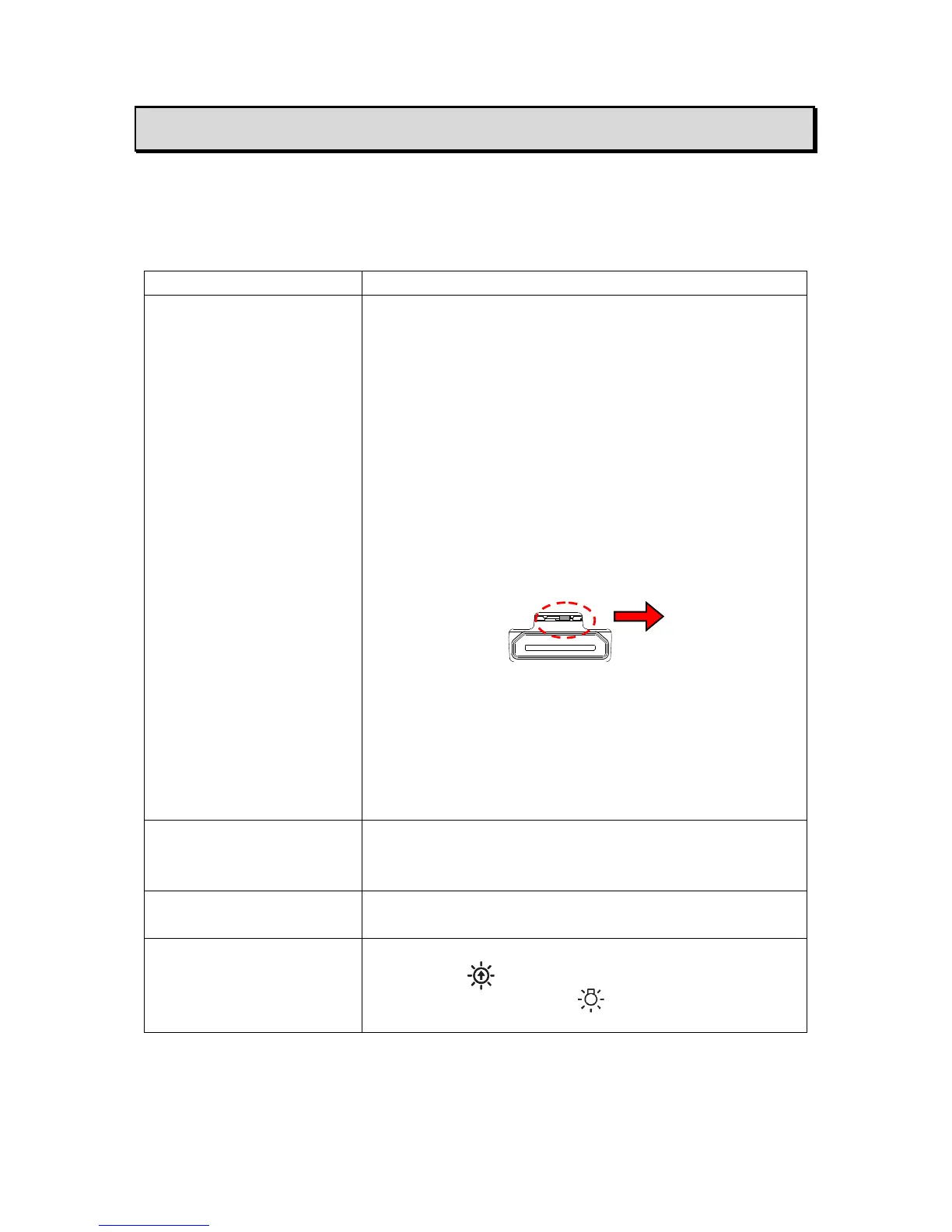
・ The switch in the connection ports is set to the left. Make
sure that the switch is set to the right.
・ Reconnect the AC adapter and the power cable.
・ The monitor is not turned on.
・ The input source of the monitor is not set correctly.
・ Image Mate 4 is not started correctly. Restart Image
Mate 4 and try to connect again.
・ The MX-P is not selected in the setting of Image Mate 4.
・ When the HDMI monitor is connected to the MX-P, the
output image (resolution) is automatically changed based
on information from the connected monitor.
・ The document (object) is too close to the lens. Move the
document (object) slightly away from the lens.
・ The intensity of the lighting is insufficient.
・ Press the button on the operating panel to adjust the
brightness. Or press the button to turn on the LED
lighting.



 To Next Page