13
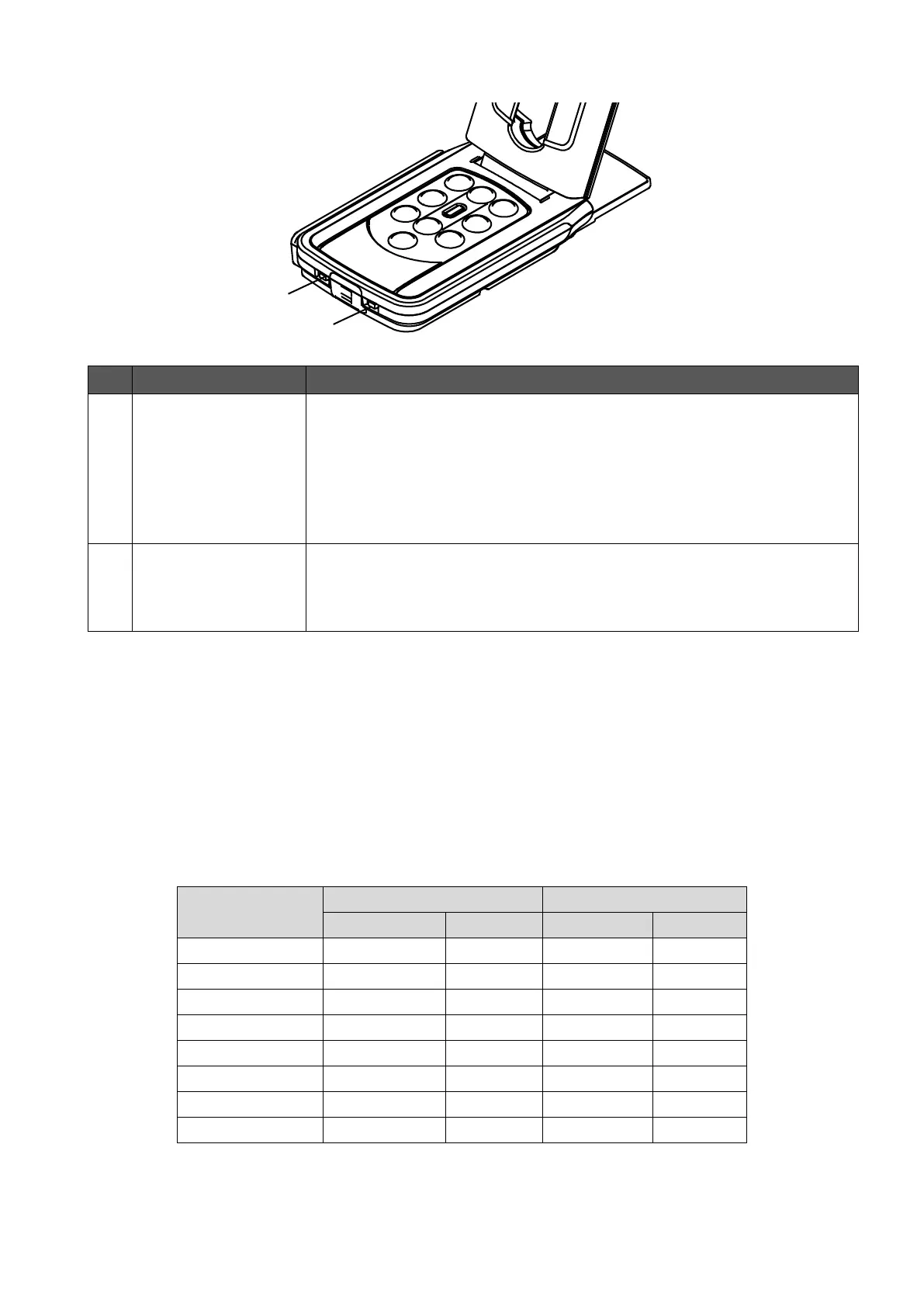
◆SETTING SWITCHES
※To reflect the setting change with the setting switch, the power must be turned on again.
◆RESOLUTION/FRAME RATE (WHEN DISPLAYING ON A
COMPUTER VIA USB)
The following table shows the output resolution and frame rate when connecting with
USB3.0 and USB2.0.
In the following case, the actual frame rate may be slower than what is specified in the table.
・A low-spec computer is used.
1080p ← → XGA
NORMAL FULL
To change the resolution and output mode.
When connecting RGB only:XGA⇔1080p
When connecting HDMI:Full⇔Normal
(For details about changing the aspect ratio, refer to P.14.)
※This function is disabled when outputting USB and HDMI/RGB
simultaneously.
To correct flickers.
Select the same value as used for the power supply frequency.
(50Hz / 60Hz)



 To Next Page