14
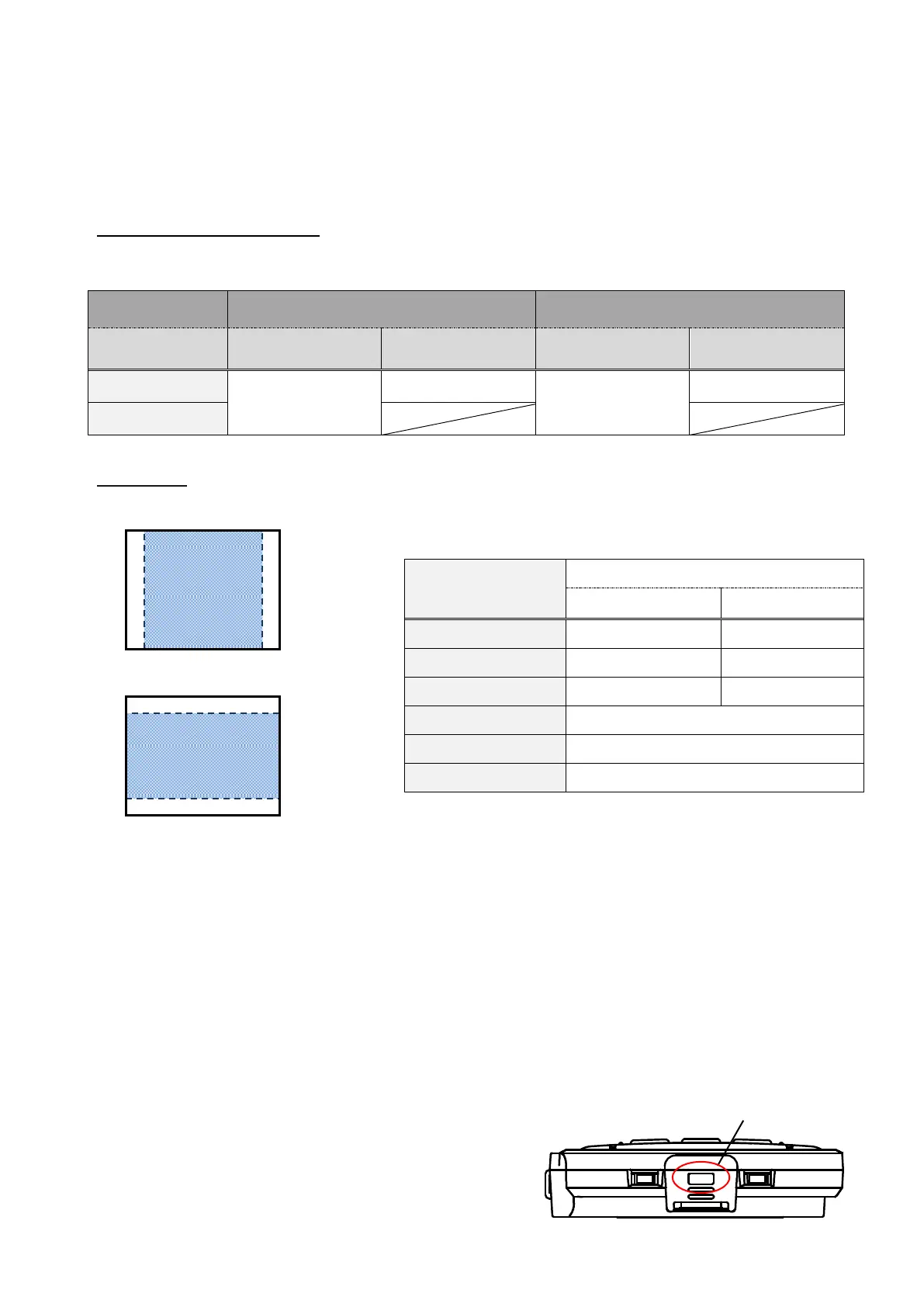
◆SIZE OF IMAGES BEING OUTPUT
The output resolution is different according to the setting of the Resolution/Output mode
selection.
The product can capture aspect ratio ① . Pay attention to the shooting conditions.
RGB output and HDMI output
・When HDMI output is possible, both RGB output and HDMI output are output in the same
resolution.
Aspect ratio
①FULL(4:3)
②NORMAL(16:9)
※Set the USB output resolution to 1080p/30fps or
720p/30fps.
※The Resolution/Output mode selection switch works as the Full/Normal selection switch when
outputting HDMI.
※Depending on the condition of the arm, the maximum angle of view capture will change.
※The aspect ratio of the output image is 16:9 when the switch is set to Normal. Depending on
the monitor used, you will see black bars on the top and bottom of the image.
◆Anti theft lock hole
Connect a security cable to this hole to prevent theft.
(hole size:7×3mm)



 To Next Page