18
◆Connecting to a projector or monitor and a computer
1. Connect the product to a projector or monitor with the HDMI cable or RGB cable.
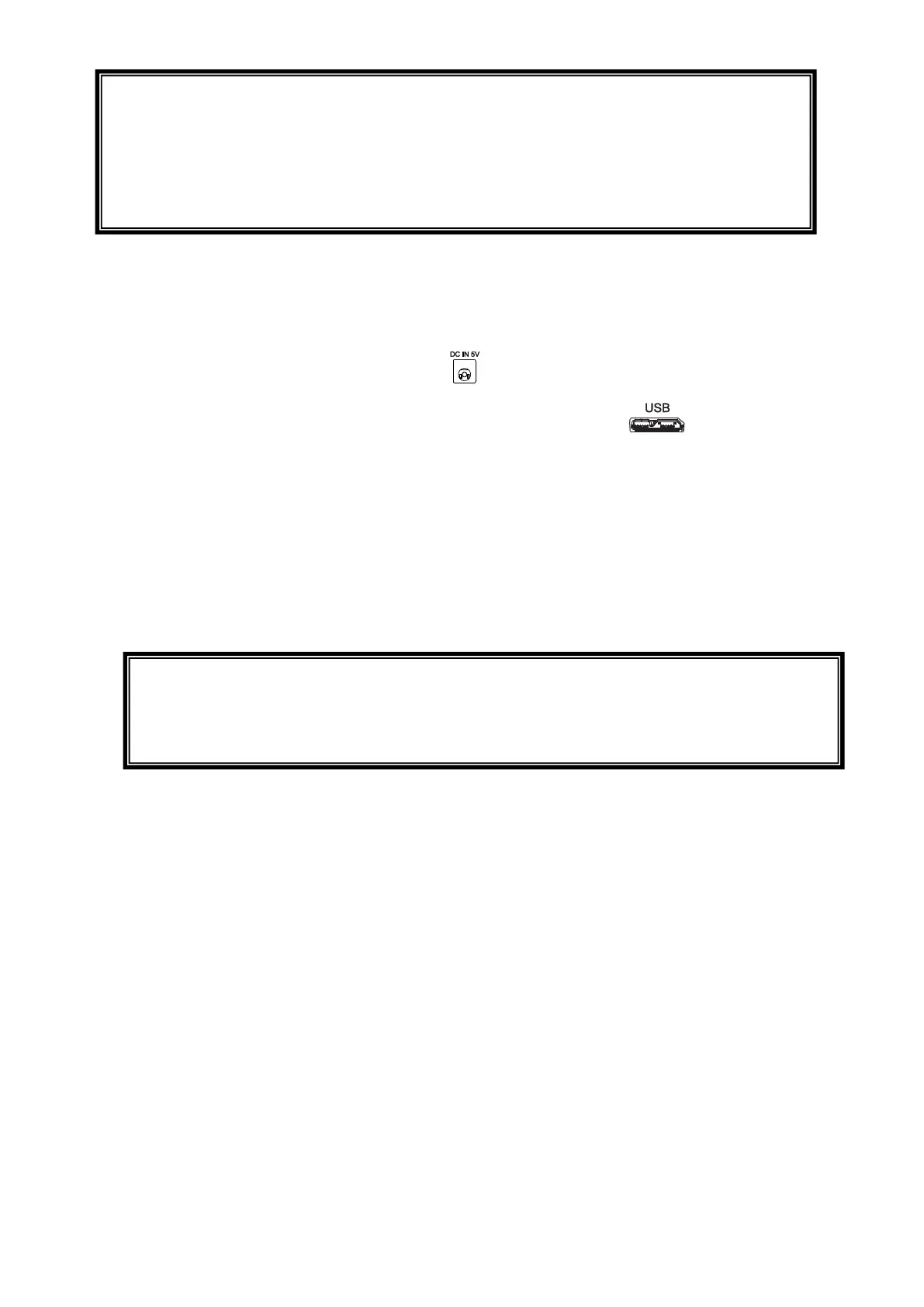
2. Connect the supplied DC power cord to [ ]. Connect the USB plug to the supplied AC
adapter. Then connect it to a wall outlet.
3. Connect the microB connector terminal of the USB3.0 cable to [ ] connector in the
side of the product.
4. Connect the typeA terminal of the USB3.0 cable to the USB port of your running computer.
5. The product power is in standby mode, and you can check the image on the PC UVC
application.
(Status LED: Red)
6. Set the resolution on the UVC app to 1080p / 30fps or 720p / 30fps.
7. Press the power button to turn on the product. Image output to HDMI / RGB starts.
(Status LED: Blue)
CAUTION
・When connecting to the USB2.0 port (Status LED:green), the frame rate may be
decreased depending on the output resolution.
・The frame rate may be decreased depending on the computer used.
・The performance may be unstable depending on the power supply of the computer. In
that case, use the AC adapter to supply the power to the product.
CAUTION
・When connecting to the USB2.0 port (Status LED:green), the frame rate may be
decreased depending on the output resolution.
・The frame rate may be decreased depending on the computer used.



 To Next Page