74 Chapter 3
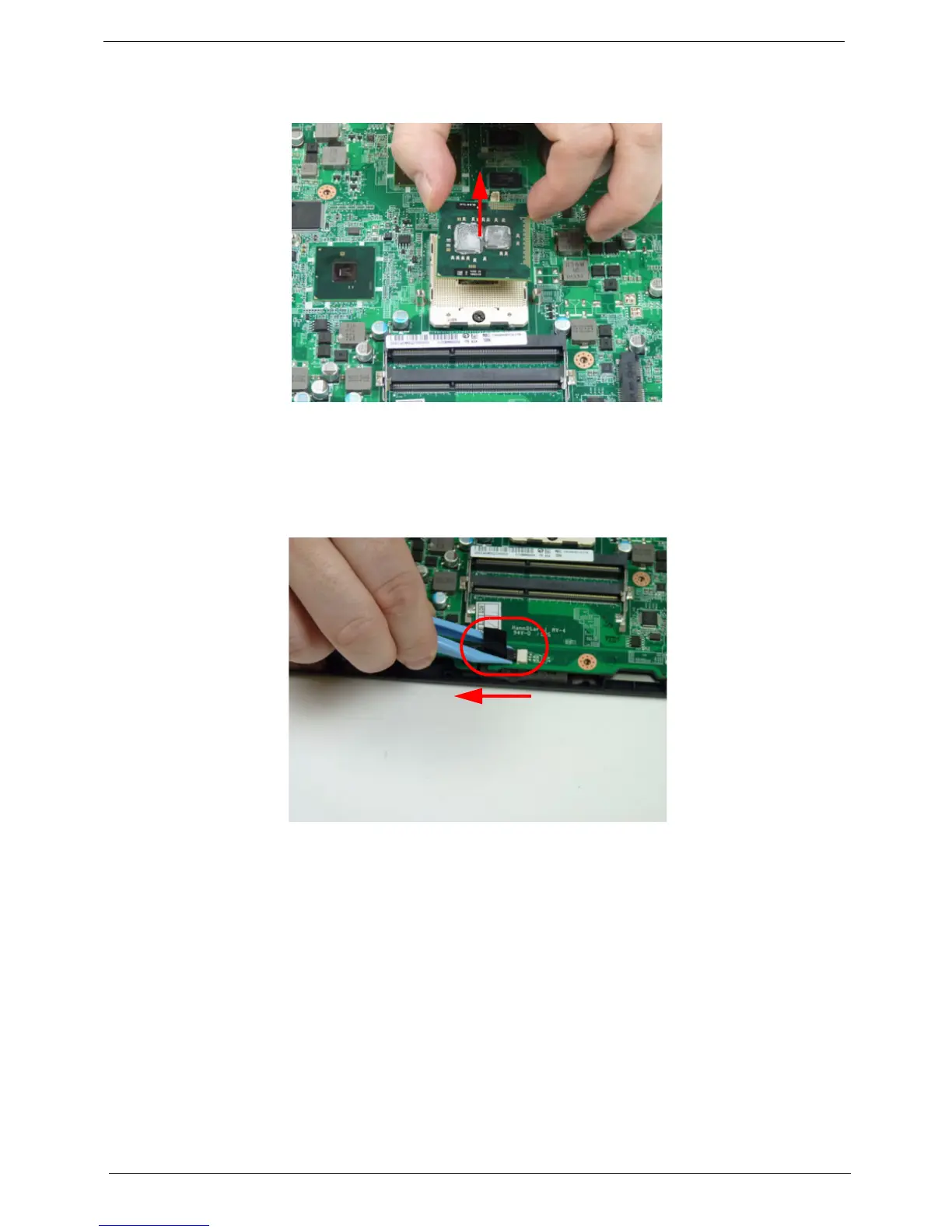
3. Carefully lift the CPU clear of the socket.
IMPORTANT:Place the CPU on a clean, dry surface when it is not installed.
Removing the Mainboard
1. See “Removing the CPU” on page 73.
2. Remove the adhesive tape securing the speaker cable to the mainboard and disconnect the speaker cable
from the mainboard connector.














 To Next Page