98 Chapter 3
Replacing the Thermal Module
IMPORTANT:Apply a suitable thermal grease and ensure all heat pads are in place before replacing the
thermal module
The following thermal grease types are approved for use:
• Silmore GP50
• Honeywell PCM45F-SP
• ShinEtsu 7762
The following thermal pads are approved for use:
• Eapus XR-PE
1. Remove all traces of thermal material from the CPU and thermal module using a lint-free cloth or cotton swab
and Isopropyl Alcohol, Acetone, or other approved cleaning agent.
2. Apply a new thermal pad to the center of the processor(s) coming into contact with the thermal module.
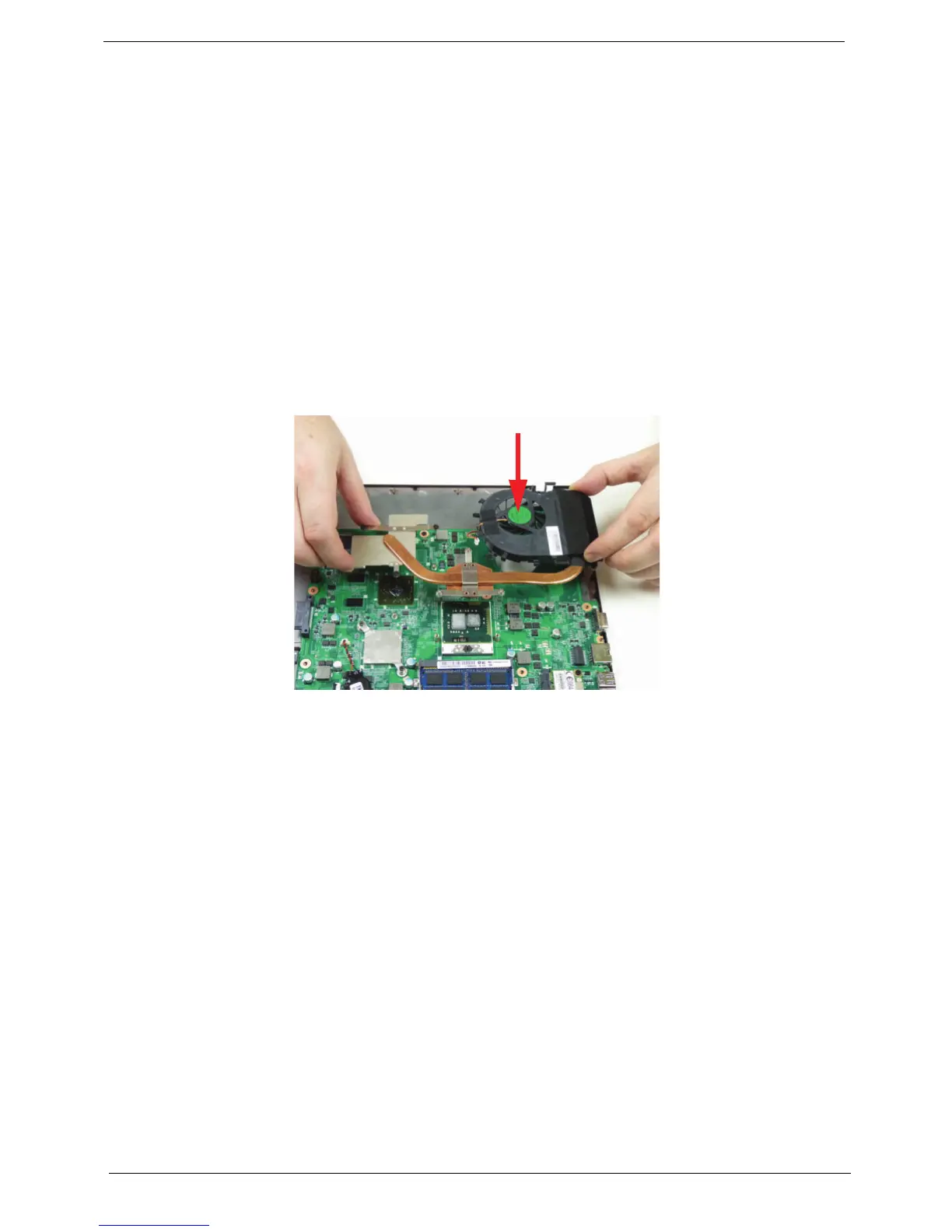
3. Align the screw holes on the thermal module to the screw posts on the mainboard, then replace the module.
Keep the module as level as possible when replacing.














 To Next Page