40 Chapter 2
Removing BIOS Passwords:
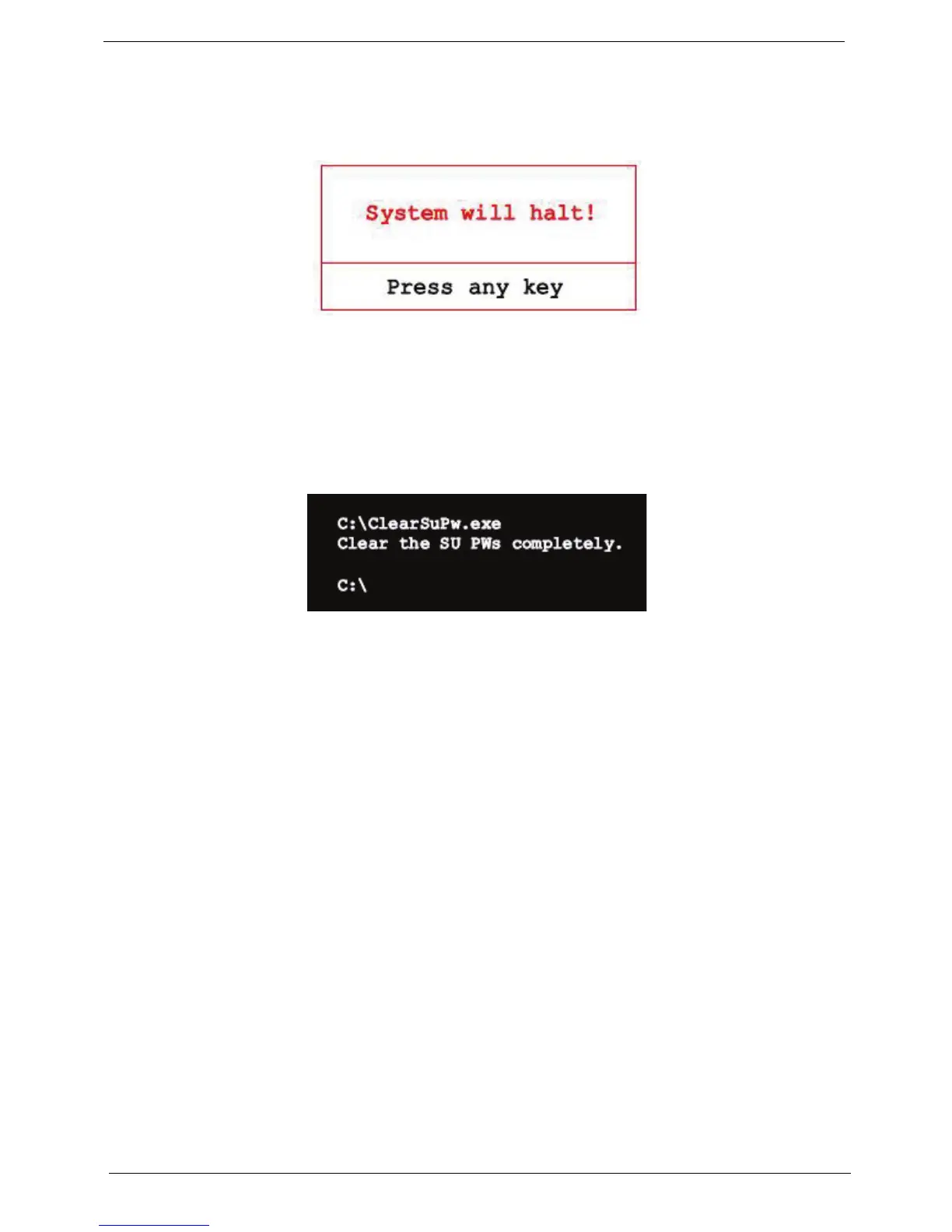
If you key in the wrong Supervisor Password three times, the message System will halt! is displayed on the
screen.
If the user is unable to obtain the correct password then it must be removed. There are two methods to do this.
Method 1:
If the BIOS menu item “Power on Password” is set to Enabled, the Crisis utility must be used.
Method 2:
If the BIOS menu item “Power on Password” is set to Disabled.
1. Boot to DOS and execute ClearSuPw.exe.
2. When the message Clear the SU Pws completely is displayed, the supervisor password has been
removed.














 To Next Page