Chapter 2 37
BIOS Flash Utility
The BIOS flash memory update is required for the following conditions:
• New versions of system programs
• New features or options
• Restore a BIOS when it becomes corrupted.
DOS Flash Utility
Perform the following steps to use the DOS Flash Utility:
1. Create a DOS bootable USB HDD.
2. Copy ZRDv0.08.exe to the USB HDD and remove the HDD form the computer.
3. Reboot the computer and press F2 during the boot sequence to enter the setup menu.
4. Select the Boot menu item and move the entry “USB HDD” to the first position. See “Boot” on page 37.
5. Insert the USB HDD and reboot the computer.
6. At the command prompt, execute ZRDv0.08.exe to begin the flash process. The system will restart
automatically when finished.
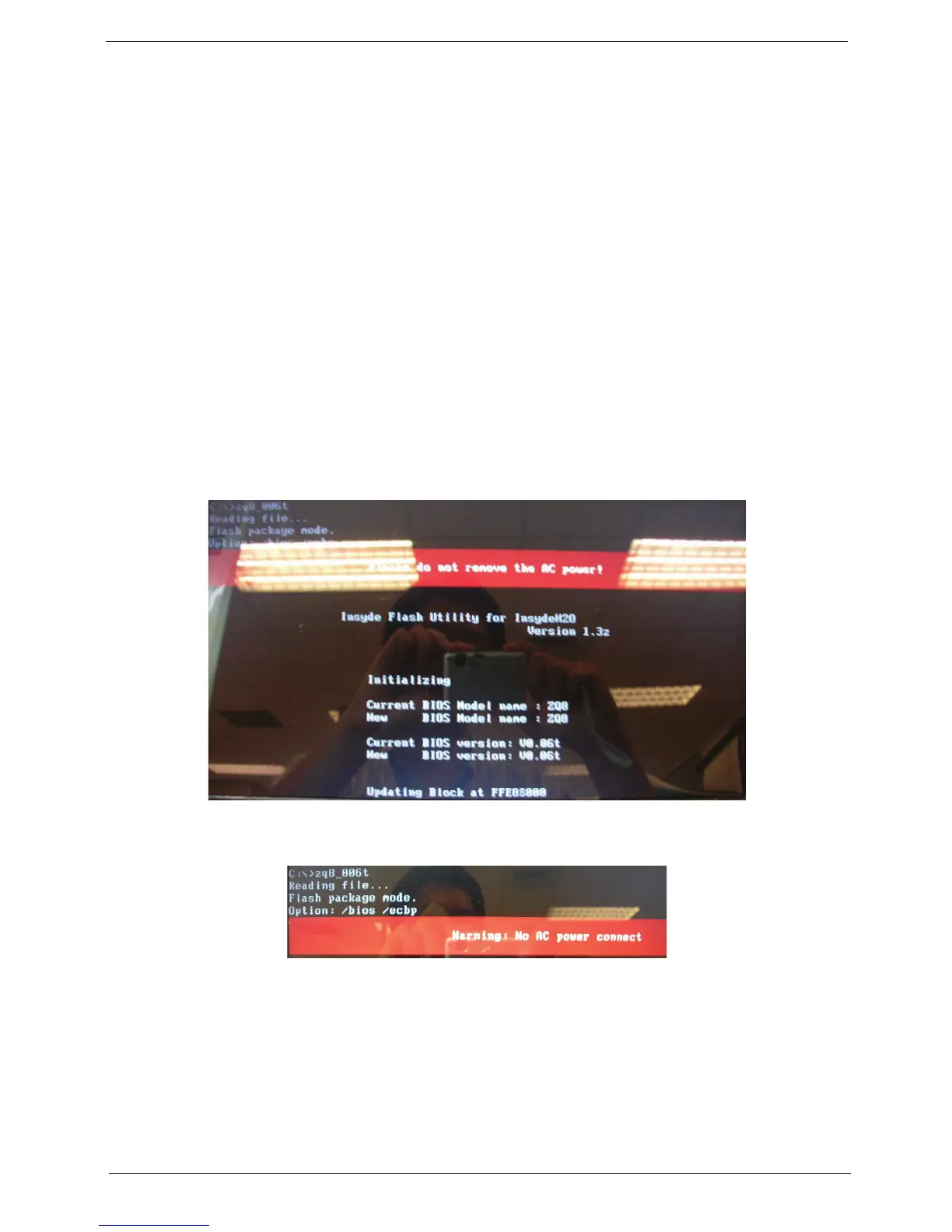
7. During the BIOS flash process the message “Please do not Remove AC Power Source” is displayed.
NOTE: If the AC power is not connected, a warning message will be displayed. Connect the AC power to
continue.














 To Next Page