Configuration and Use Manual 37
Required Transmitter Configuration
Required Configuration Optional ConfigurationUsing the TransmitterFlowmeter Startup
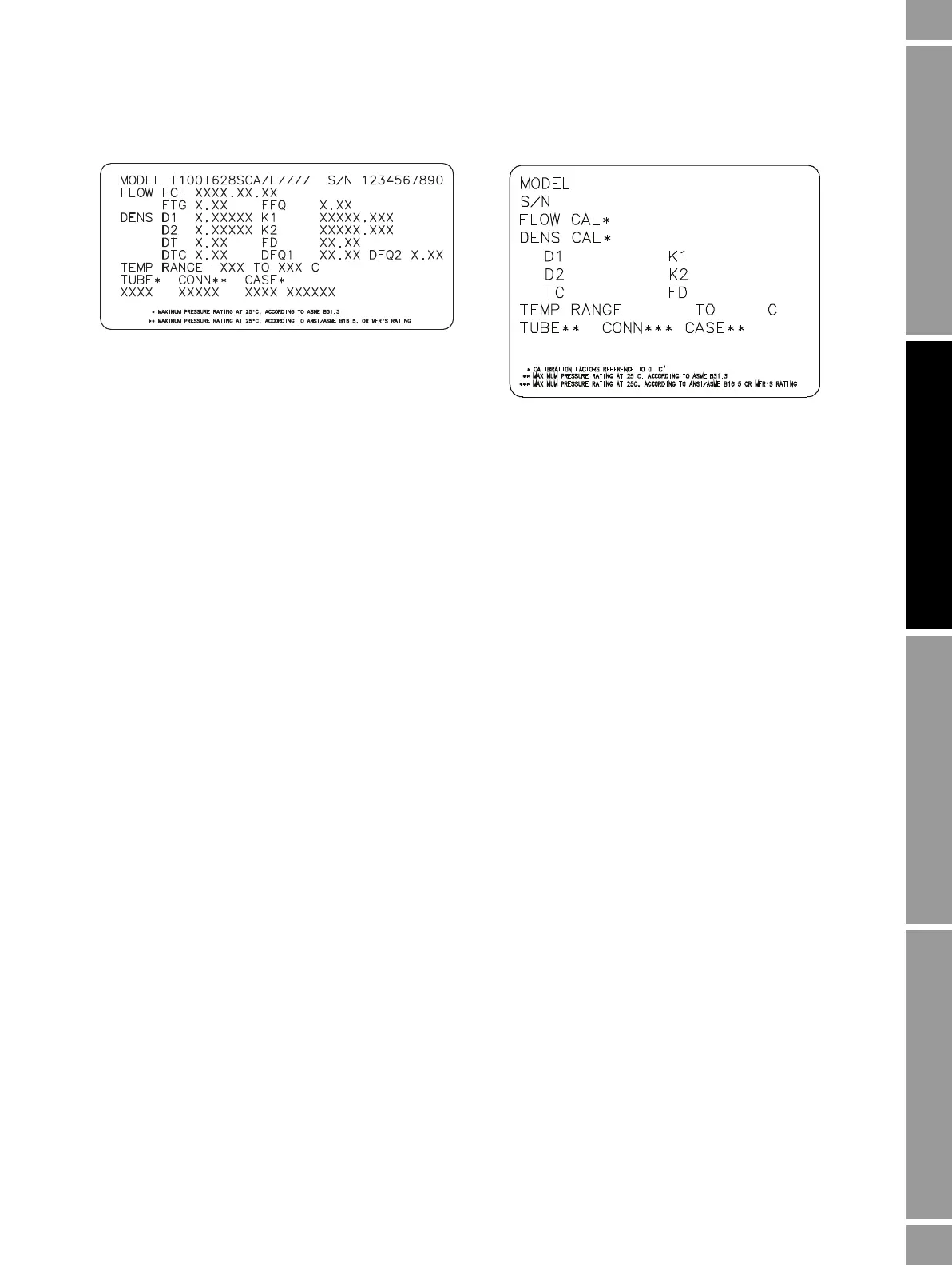
Figure 6-1 Sample calibration tags
Flow calibration values
The flow calibration factor is a 10-character string that includes two decimal points. In ProLink II,
this value is called the Flowcal parameter; in the Communicator, it is called the FCF for T-Series
sensors, and Flowcal for other sensors.
To configure the flow calibration factor:
• For T-Series sensors, use the FCF value from the sensor tag. The value should be entered
exactly as shown, including the decimal points.
• For all other sensors, use the Flow Cal value from the sensor tag. The value should be entered
exactly as shown, including the decimal points.
6.2.3 How to characterize
To characterize the flowmeter:
1. See the menu flowcharts in Figure 6-2.
2. Ensure that the correct sensor type is configured.
3. Set required parameters, as listed in Table 6-1.
Other sensors
19.0005.13
0.0010
0.9980
12502.000
14282.000
4.44000
310
12500142864.44
T-S e ri e s














 To Next Page