38 Micro Motion
®
Model 2400S Transmitters with Analog Outputs
Required Transmitter Configuration
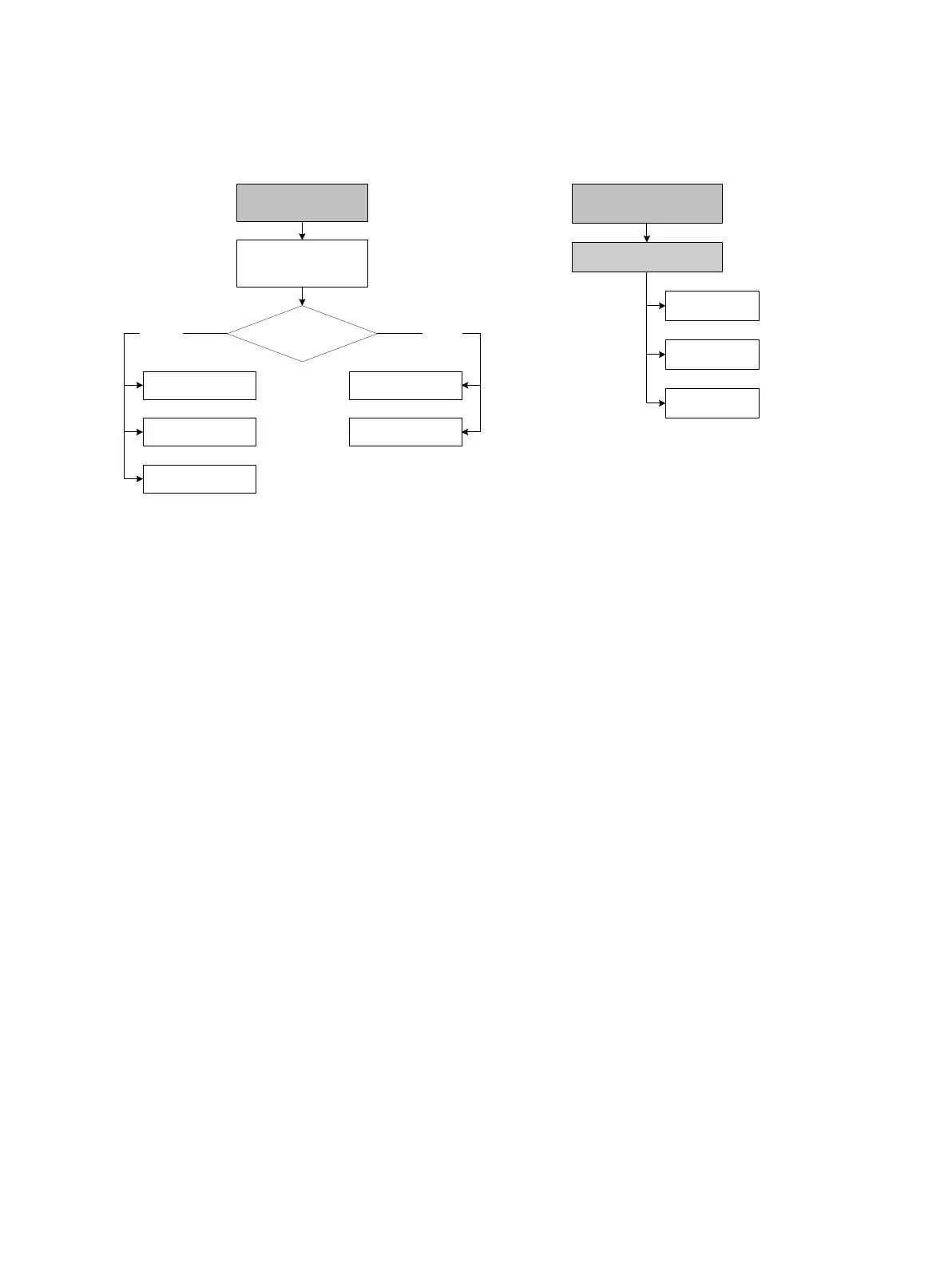
Figure 6-2 Characterizing the flowmeter
6.3 Configuring transmitter channels
Both Channel A and Channel B can be powered internally (by the transmitter) or externally (by an
external power source). You must configure the channel power source to match the output wiring (see
the transmitter installation manual for wiring information).
Note: If you are connected to the transmitter via the HART clips or a HART multidrop network, and
you reconfigure the power source for Channel A, you will lose the connection. You must change the
wiring to match the software configuration, then reconnect. Alternatively, if your transmitter has a
display, you can use the display to reset the power source to the previous setting and then reconnect.
If you are connected to the transmitter via a Modbus or service port connection, your connection will
not be affected.
Additionally, Channel B can function as a frequency/pulse output, a discrete output, or a discrete
input. Because this configuration has consequences for many following configuration options, it is
important to set Channel B correctly at the beginning of transmitter configuration.
To configure the channels, see the menu flowcharts in Figure 6-3.
Device
·Sensor type
Flow
T Series Config
Straight
tube
Curved
tube
Sensor type?
Density
Flow
Density
ProLink >
Configuration
1 Sensor type
3 Flow
4 Density
On-Line Menu >
5 Detailed Setup
1 Charize sensor



 To Next Page