68
Reference Manual
00809-0100-4021, Rev GC
Section 3: HART commissioning
April 2014
HART® commissioning
Note
For all of these alarms to appear in DeltaV, all alarms in DeltaV must be configured to WARNING
status.
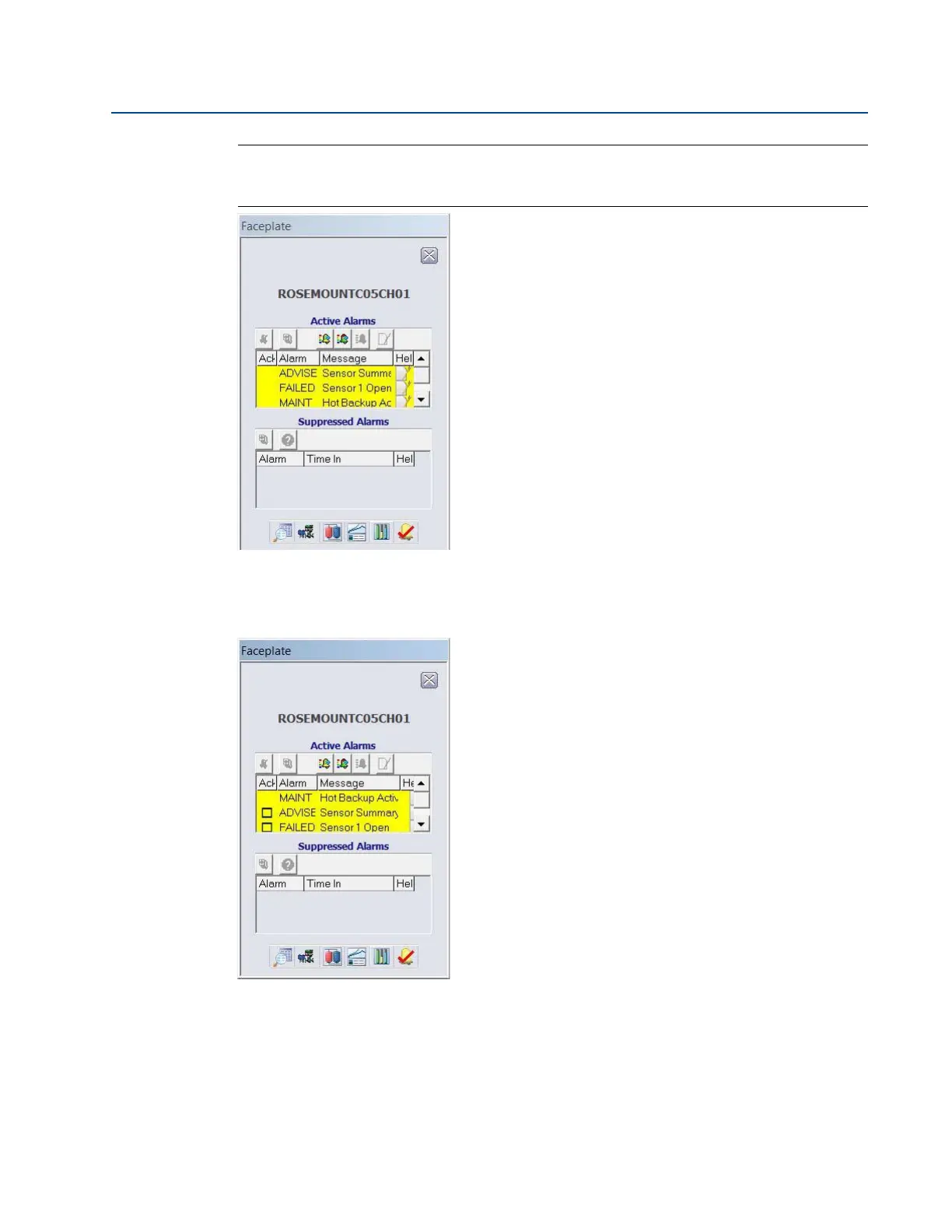
After the sensor has been repaired or replaced, the faceplate window in DeltaV will display boxes
next to each alarm that has been addressed. You must acknowledge each alarm to clear it by
checking the ACK box to the left of the alarm.
It is recommended that Hot Backup be reset immediately after repairing or replacing the
affected sensor. See “Reset Hot Backup: Fast Keys 2-2-4-1-4” on page 78. After resetting Hot
Backup, the DeltaV Faceplate window indicates the alarms ADVISE Configuration Change and















 To Next Page