77
Reference Manual
00809-0100-4021, Rev GC
Section 3: HART commissioning
April 2014
HART® commissioning
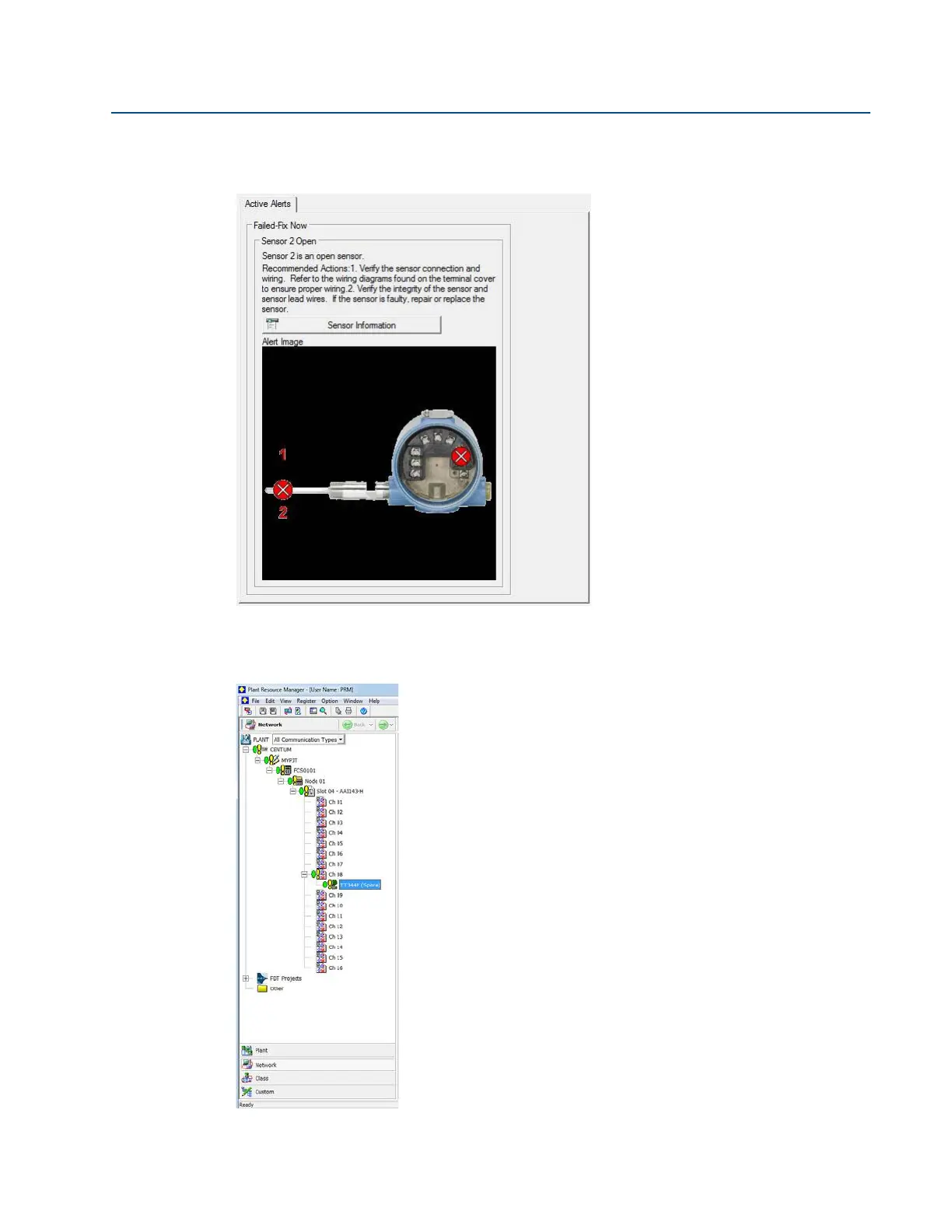
To investigate why the device displays a Failed status, choose Troubleshoot in the red device
status box. Another screen will display the active alerts indicating FAILED Sensor 2 Open, as
shown below.
After the sensor has been repaired or replaced, the alerts will clear, and the yellow circles in the
PRM change to green, indicating that everything is good. Hot Backup does not need to be reset
in this case.















 To Next Page