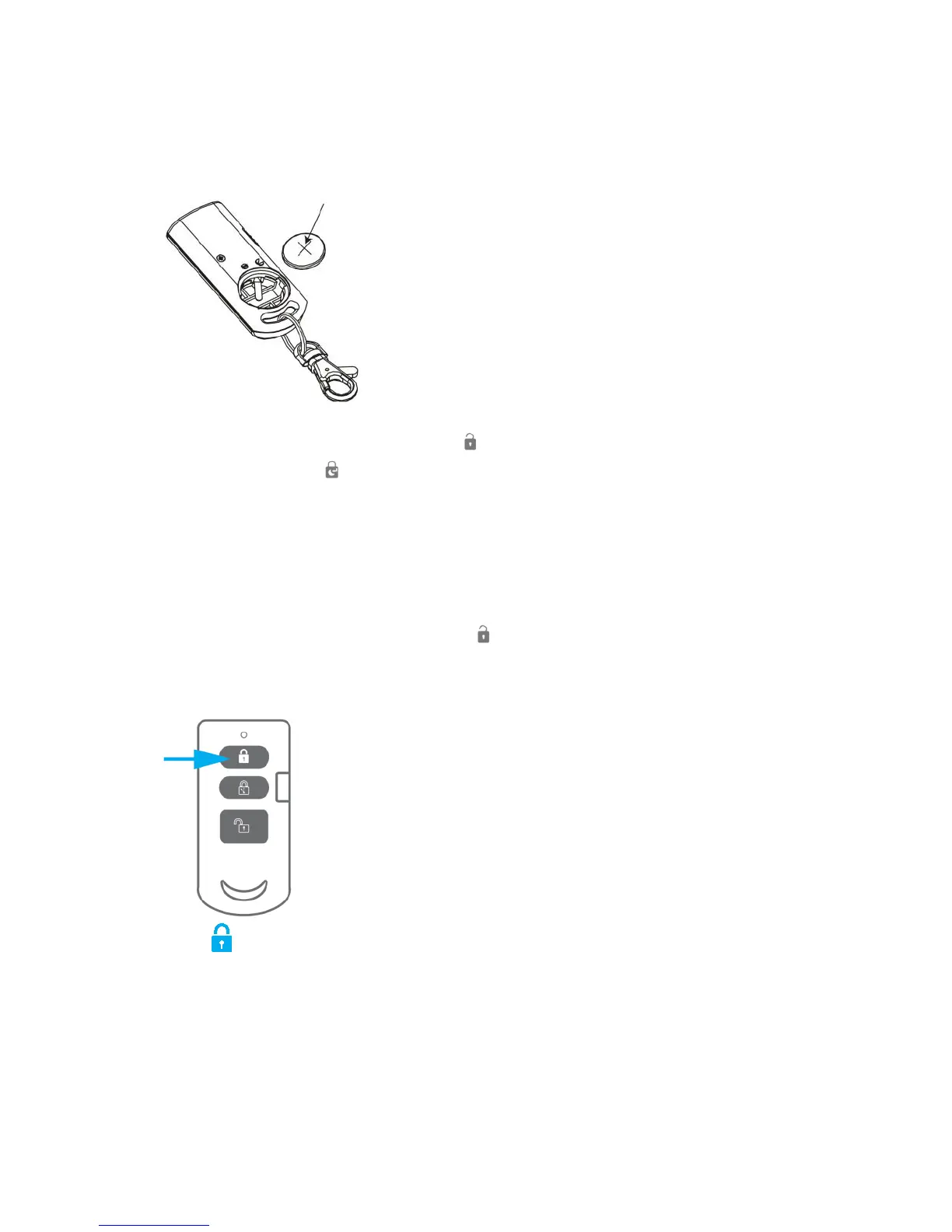
9.0 Remote control
9.1 Register a new remote control
1. Power on the remote by inserting the batteries.
2. On the alarm panel, enter the PIN + “ ” key to disarm the system.
3. Enter PIN + 15 + “ ” to start the binding process. The DISARM LED will beep
once and start to blink for 30 seconds.
4. Within 30 seconds push a button on the remote control.
5. If a device is successfully added, the DISARM LED will turn on for 1 second along
with a long beep.
6. If the binding process fails, it will timeout after 30 seconds and 3 short beeps will
be heard.
7. To exit the binding process, press the “ ” key
9.2 Arm the alarm
Press to arm the alarm. The LED indicator will light up shortly and the siren will
give a short beep to confirm the system is active.



 To Next Page