3.0 Preparation
3.1 GSM SIM card
To get the best out of the system, it is crucial to take some precautions before making
use of the alarm system.
The EM8710 GSM alarm system will notify you by using the mobile module and will
send you a text message or call you when there is an alarm triggered. To do so, the
system needs a SIM card from a mobile phone provider. Please check below points
before buying a SIM card:
1) Choose a mobile provider which has the best network coverage at the place
where you would like to mount the alarm system.
2) When using a prepaid card, make sure that info messages from the provider will
be send by e-mail instead of text message. You cannot read text messages on the
alarm system. Please choose a provider with a web portal to upgrade your credit.
3) The voicemail function should be switched off. Insert the SIM card into a cell
phone and refer to the information of your provider to turn the voicemail off.
4) Remove the PIN code of the SIM card. Follow the steps below to turn off the PIN
code of the SIM card.
a) Apple (iOS) Go to Settings→Phone→SIM PIN. Turn off SIM PIN here
b) Android, go to Applications→Settings→More→Security→
Set up SIM card lock. Switch off SIM card lock here.
5) The SIM card size required is mini SIM. For micro SIM and nano SIM, use a SIM
card adaptor before inserting into the alarm panel.
6) Ensure the SIM card is not expired.
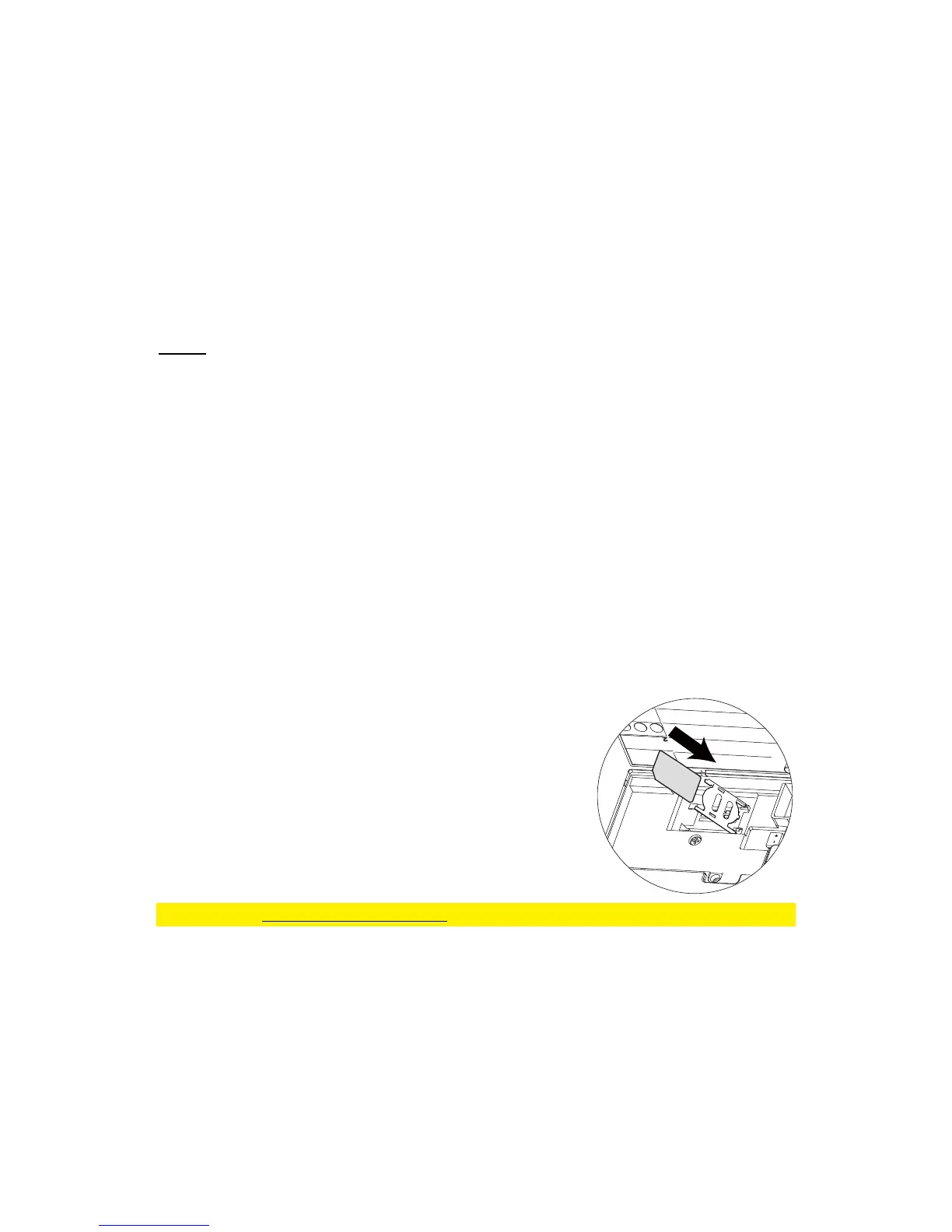
Inserting the SIM card
1. Remove battery cover of the alarm panel.
2. Insert a SIM card into the slot and connect the 9V
power adapter.
3. Wait until the GSM status LED blinks slowly (once
every 3 seconds) implying the SIM card is ready for
use.
Please check www.eminent-online.com for more information and instruction movies



 To Next Page