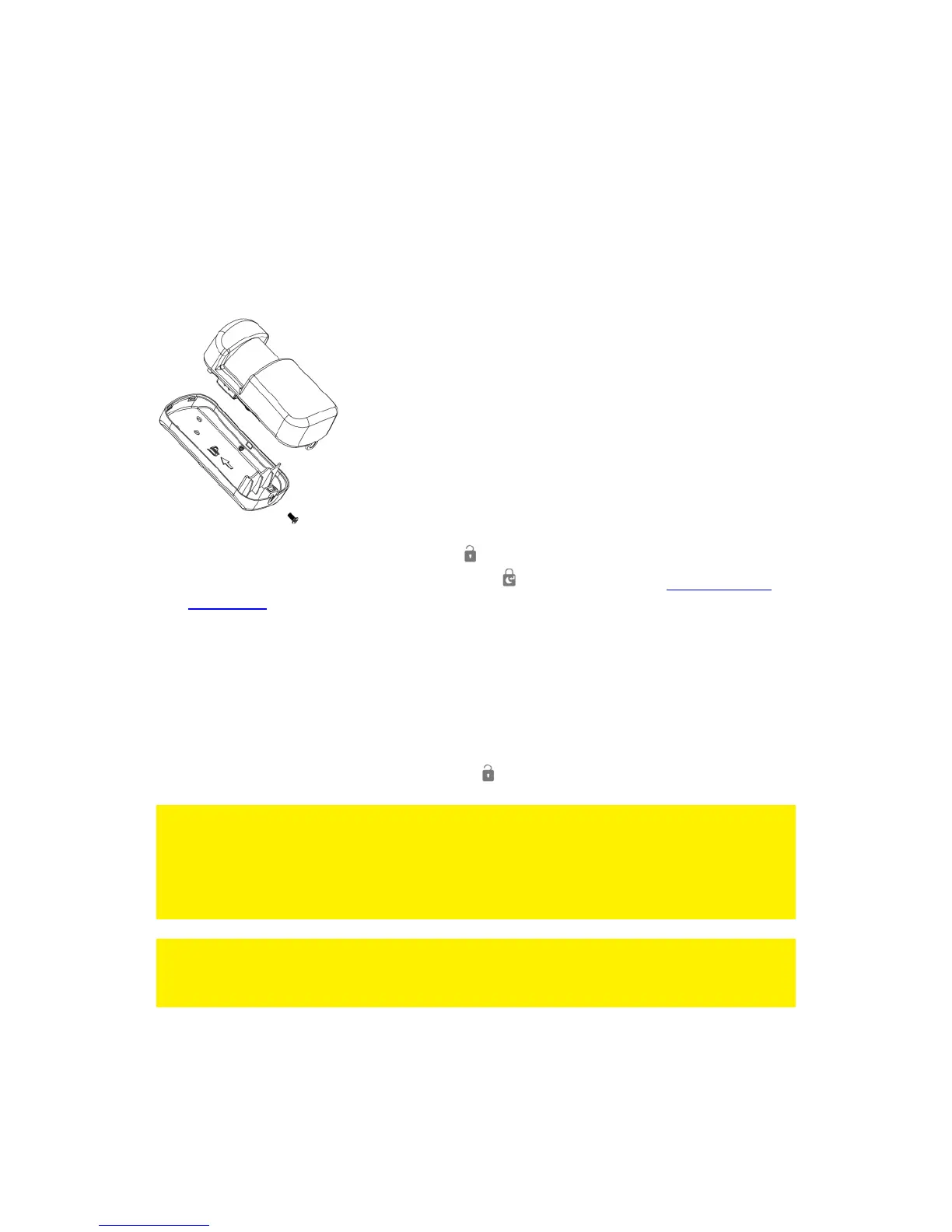
9.6 Replace the battery
It is very easy to replace the battery (CR2032) of the remote control. Please remove
the cap on the backside of the remote control using a key ring or a coin. Replace the
battery and put the cap back on the backside of the remote control.
10.0 Install motion detector
10.1 Pair the motion detector
1. Power on the sensor by inserting its batteries.
2. On the alarm panel, enter the PIN + “ ” key to disarm the system.
3. Enter PIN code + 15 + (Security type) + " " to start login (see "Explanation of
the groups" for an overview of the security types). The alarm system emits a beep
and the "Disarm" - LED will flash for 30 seconds.
4. Activate the sensor within 30 seconds by moving in front of the sensor.
5. If a sensor is successfully added, the DISARM LED will turn on for 1 second along
with a long beep. The Keypad LED will turn on to indicate the allocated zone
number. (Numbers 1 – 9 for zones 1 – 9, Number 0 for Sensor Zones 10 or
higher).
6. If the binding process fails, it will timeout after 30 seconds and 3 short beeps will
be heard.
7. To exit the binding process, press the “ ” key.
Note: The first accessory registered is assigned to zone 1, the second accessory
registered is assigned to zone 2, etc. Zones 1 to 9 can be renamed. Zones 10 to 100
cannot be renamed. It
is advised to label a sensor with its zone number immediately after successfully
binding it.
Note: During the registration process be sure no other sensor is triggered. If a motion
detector is in the same room make sure you cover the motion detector or place the
motion detector temporarily in a different room.



 To Next Page