19
This section will show you how to congure the device
usingtheweb-basedcongurationinterface.
Default Settings
Please use your Ethernet port or wireless network adapter to
connect the Access Point.
IP Address
192.168.1.1
Username/Password
admin/admin
Web Conguration
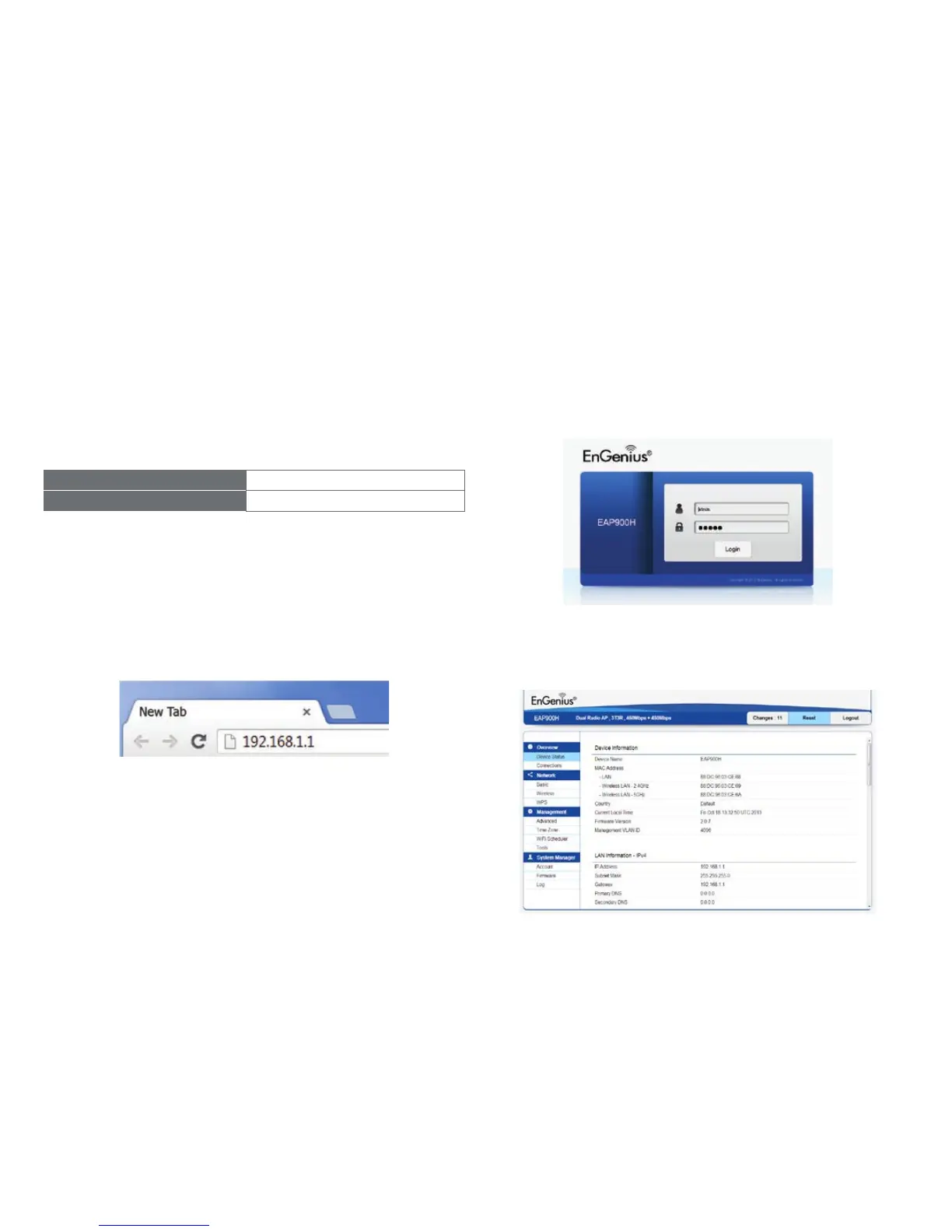
1. Open a web browser (Internet Explorer/Firefox/Safari)
and enter the IP Address http://192.168.1.1.
Note: If you have changed the default LAN IP Address of
theAccessPoint,ensureyouenterthecorrectIPAddress.
2. Thedefaultusernameandpasswordare:admin. Once
youhaveenteredthecorrectusernameandpassword,
click the Login button to open the web-based
congurationpage.
3. Ifsuccessful,youwillbeloggedinandseetheEAP900H
User Menu.
Conguring Your Access Point



 To Next Page