56
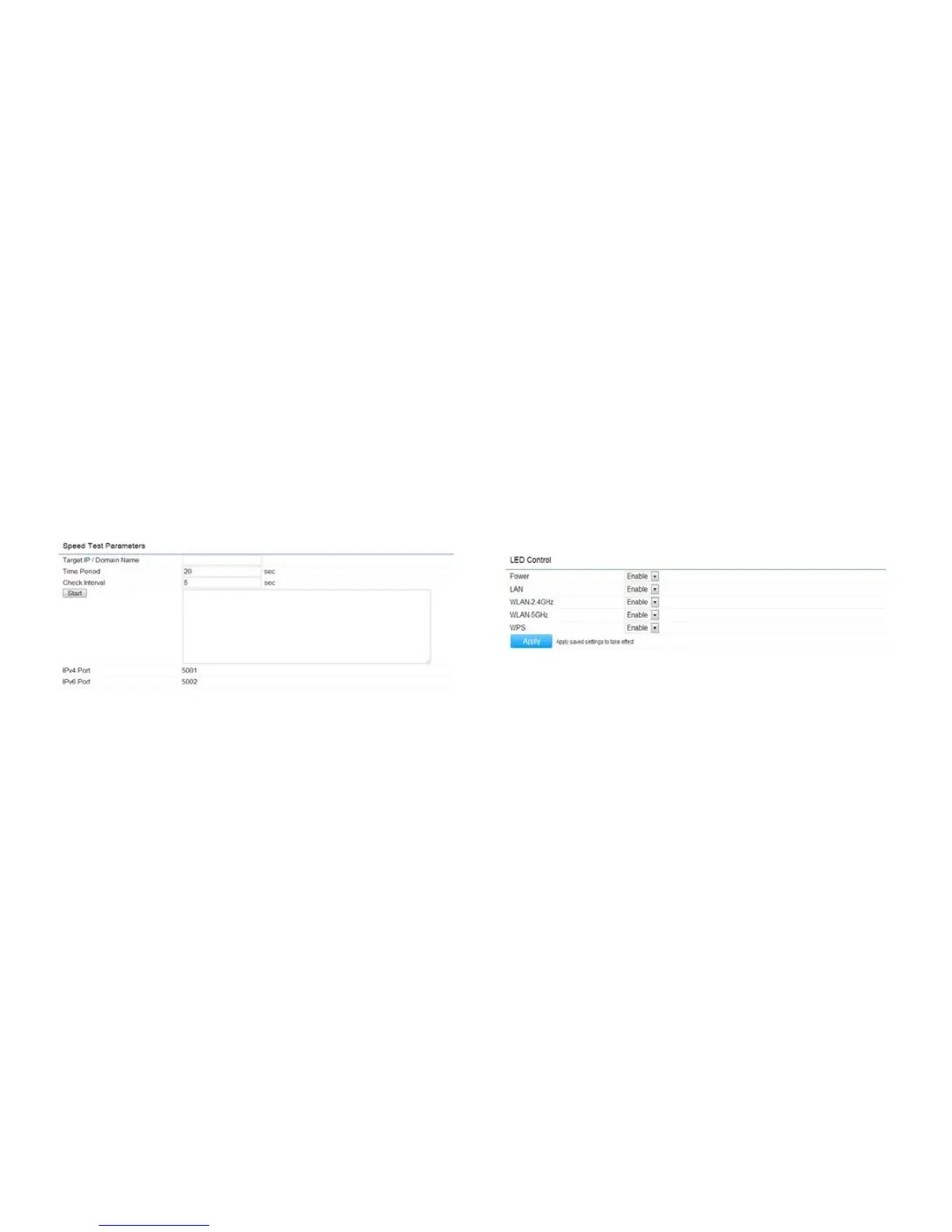
Speed Test Parameters
Target IP/Domain Name: Enter an IP address or
domain name you wish to run a Speed Test for.
Time Period/Check Interval: Enter the time in
seconds that you would like the test to run for and in
how many intervals.
Start:StartstheSpeedTest.
LED Control
ThispageallowsyoutocontroltheLEDcontrolfunctions:
Power status, LAN interface, 2.4G/5G WLAN interface
and WPS.
Click Apply to save the settings after selecting your
choices from the drop-down boxes.



 To Next Page