57
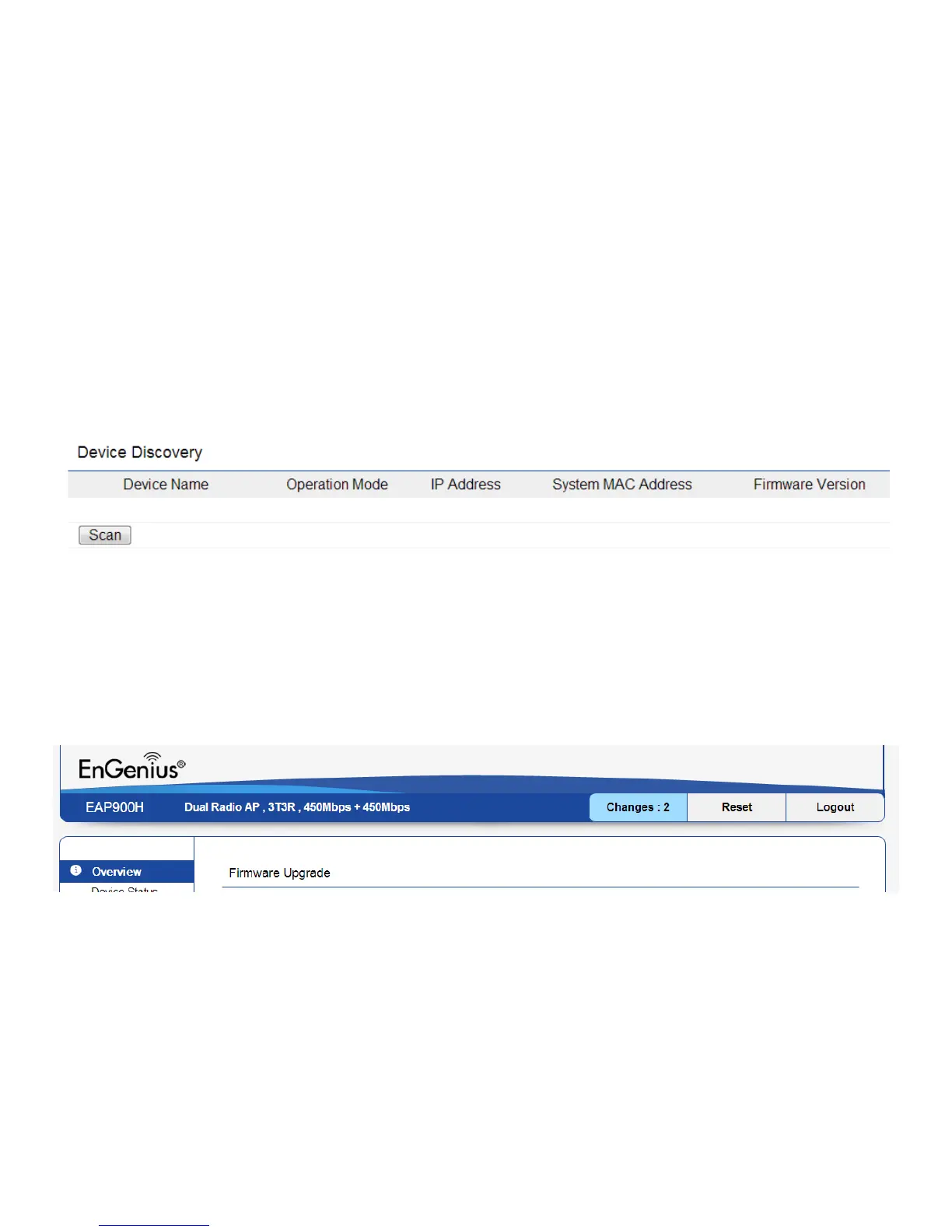
Device Discovery
UnderDeviceDiscovery,youcanchoosefortheEAP900H
to Automatically scan for local devices to connect to. Click
Scan to begin the process.
Reset
Insomecircumstances,youmayberequiredtoforcethe
device to reboot. Click on Reboot the Device to reboot
the EAP900H.



 To Next Page