55
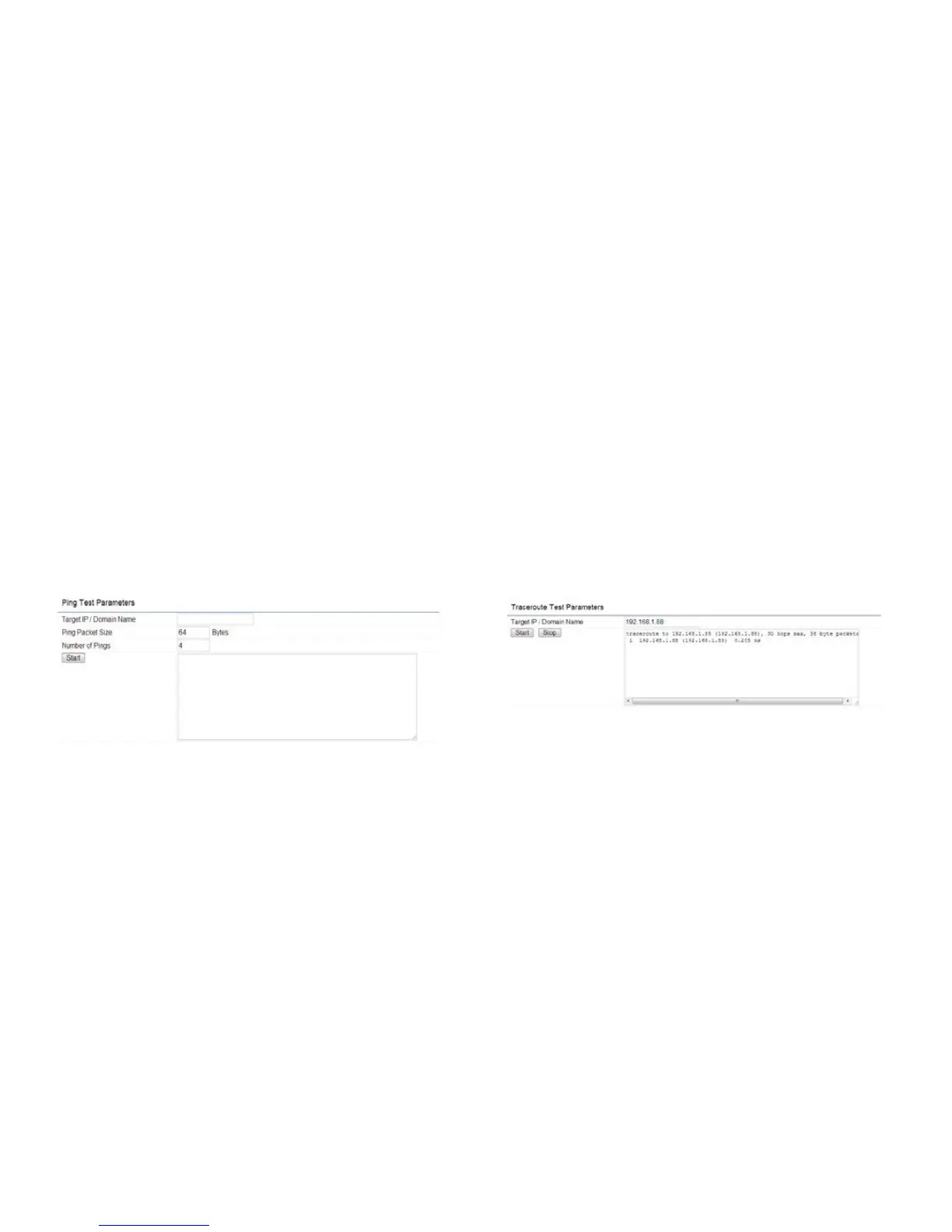
Ping Test Parameters
Target IP/Domain Name: Enter the IP address you
would like to search.
Ping Packet Size: Enter the packet size of each ping.
Number of Pings: Enter the number of times you wish
to ping.
Start Ping: Click Start Ping to begin pinging target
device (via IP).
Traceroute Parameters
Target IP/Domain Name: Enter an IP address or domain
name you wish to trace.
Start: Click Start to begin the trace route operation.
Stop: Halts the traceroute test.



 To Next Page