26
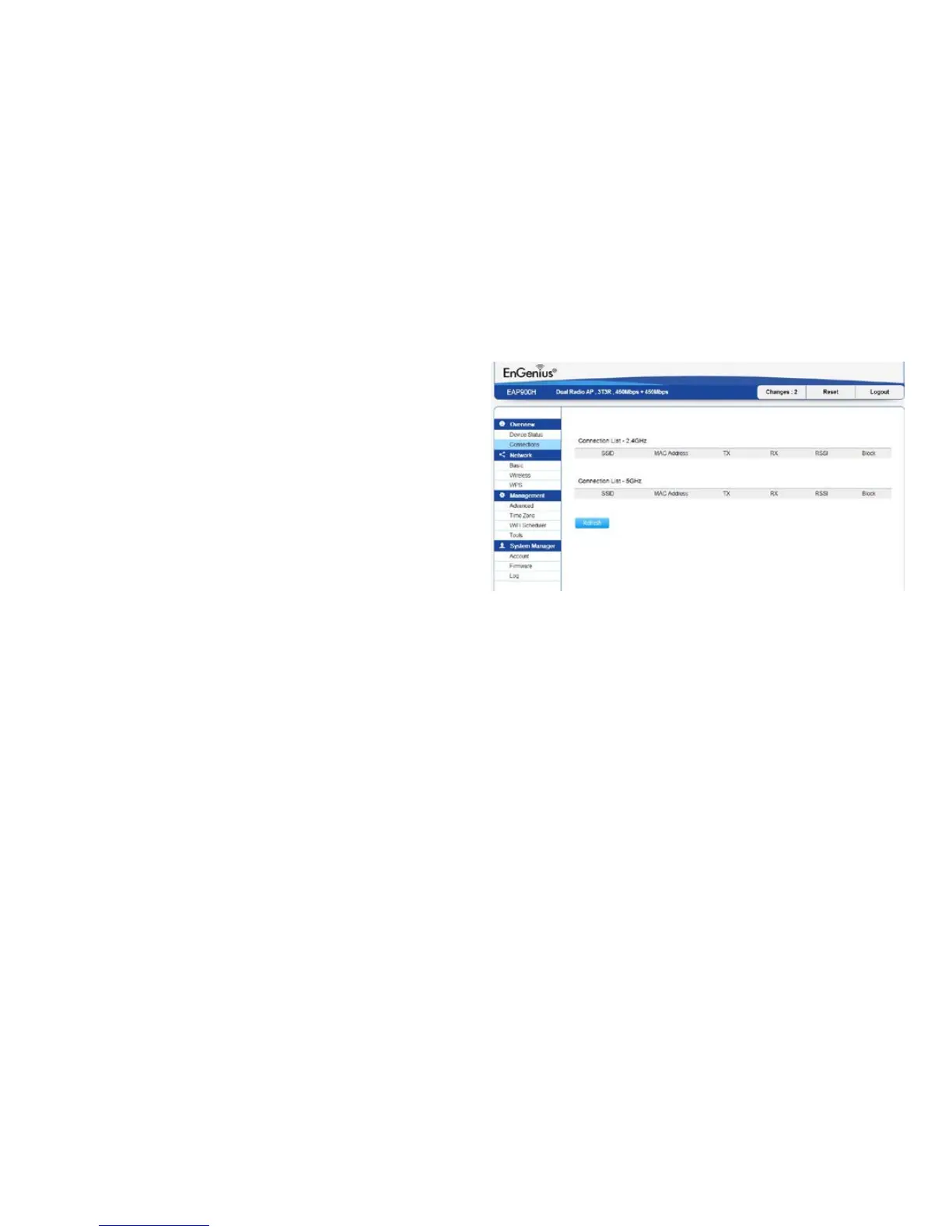
Connections
The EAP900H automatically logs (records) events of
possible interest in its internal memory. To view the
logged information, click the Connections link under
the Device Status menu. If there is not enough internal
memorytologallevents,oldereventsaredeletedfrom
thelog.Whenpowereddownorrebooted,thelogwillbe
cleared.
Click Refresh to refresh the Connections List page.



 To Next Page