25
Overview
The Overviewsectioncontainsthefollowingoptions:
• Device Status
• Connections
Thefollowingsectionsdescribetheseoptions:
Device Status
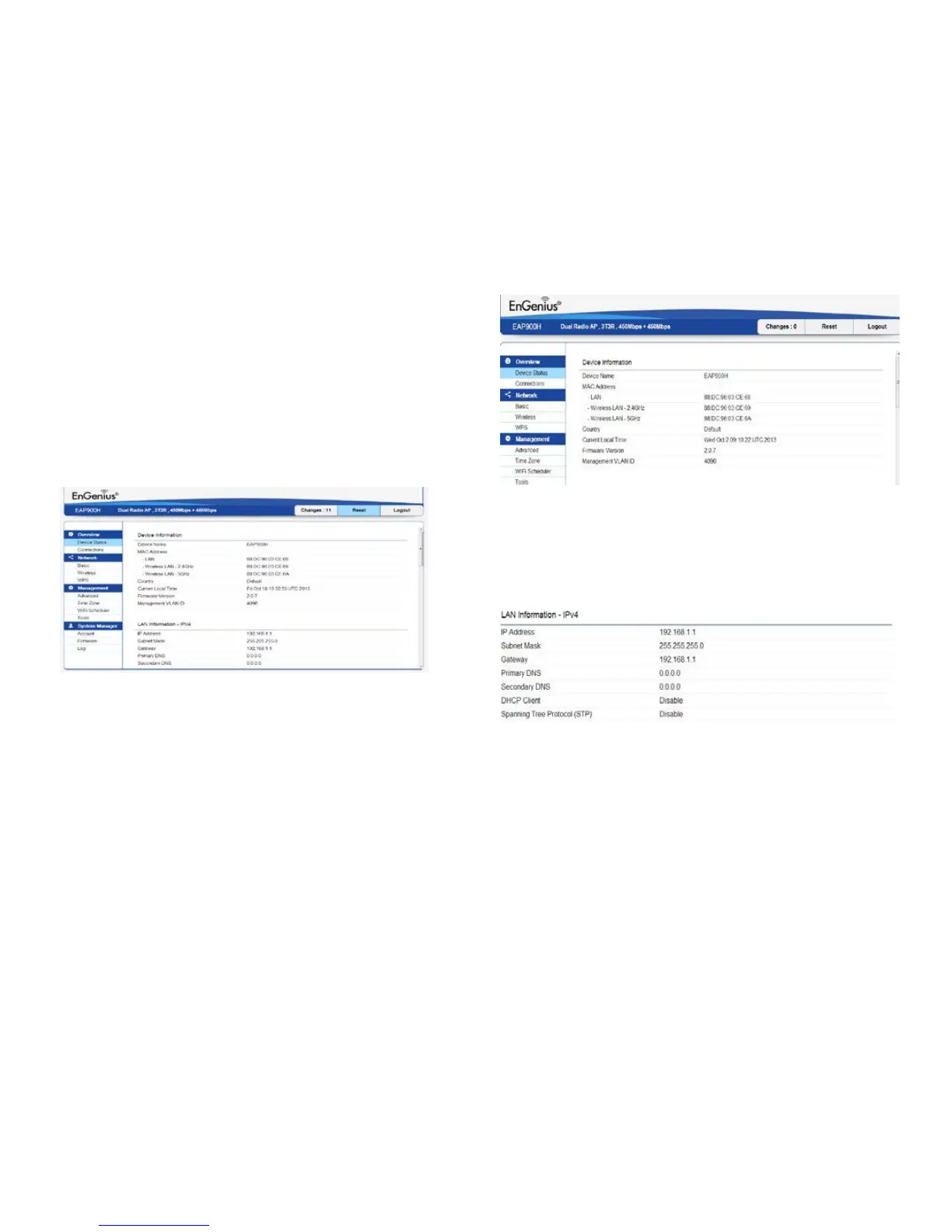
Clicking the Device Status link under the Overview menu
shows the status information about the current operating
mode.
• The Device Status section shows general system
informationsuchasDeviceName,MACaddress,Current
Time,FirmwareVersion,andManagementVLANID
Note: VLAN ID is only applicable in Access Point or WDS
AP mode.
• The LAN Information section under the Connections
link shows the Local Area Network settings such as the
LANIPAddress, Subnetmask,Gateway,DNSAddress,
DHCPClient,andSTPstatus.
• The Current 2.4 GHz/5 GHz Wireless Settings section
under the Basic link shows wireless information such
asOperatingMode,Frequency,andChannel.Sincethe
EAP900H supports multiple-SSIDs, information about
each SSID and security settings are displayed.
Note: ProleSettingsisonlyapplicableinAccessPoint
or WDS AP mode.



 To Next Page