54
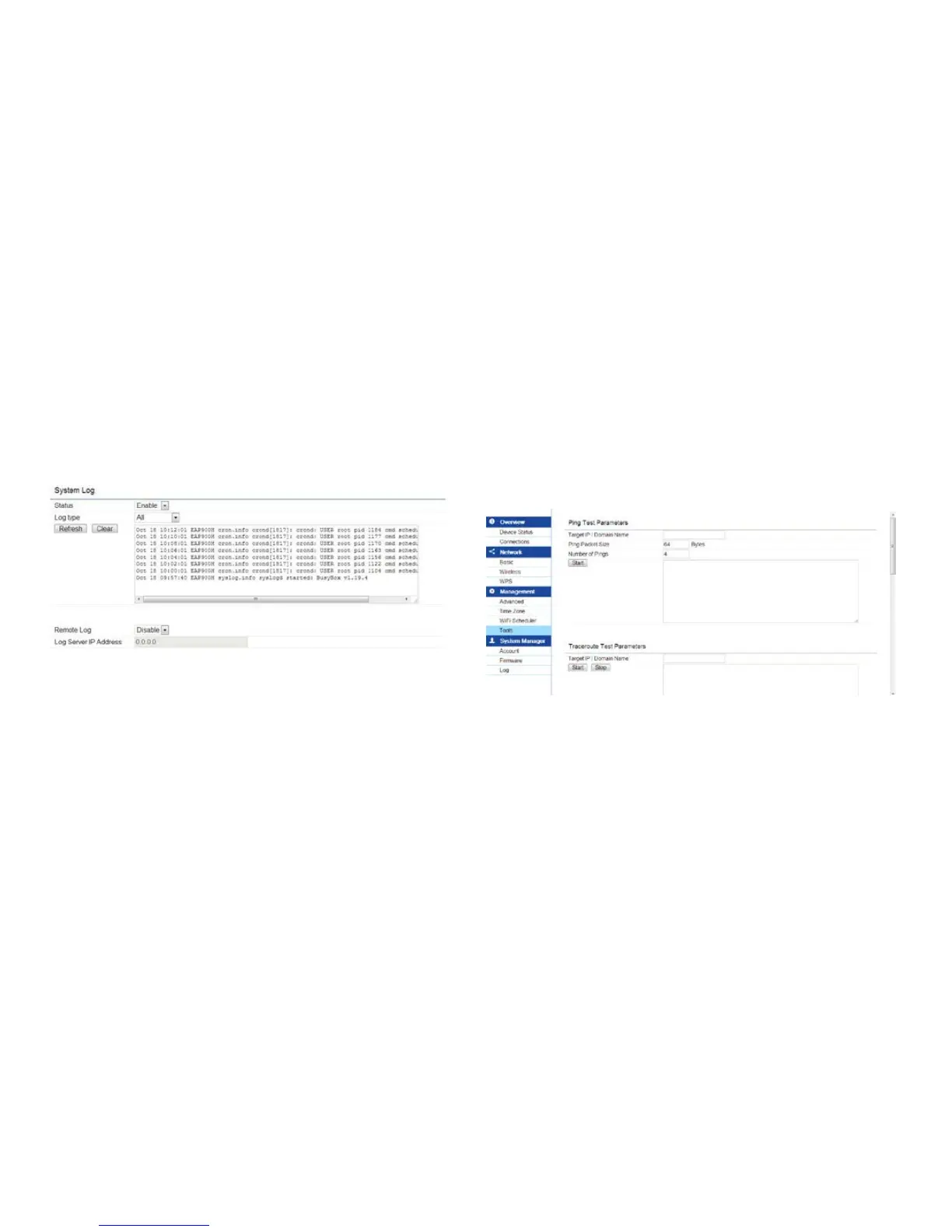
System Log
This page allows you to setup the System Log and
local log functions of the EAP900H. Click Log under the
Systems Manager tab to open up the System Log page.
Status: Enables or disables the System Log function.
Log Type: Select the Log Type mode you would like to
use.
Remote Log: Enables or disables the Remote Log
feature.Ifenabled,entertheIPaddressoftheLogyou
Tools
This page allows you to analyze the connection quality
of the EAP900H and trace the routing table to a target
in the network.



 To Next Page