33
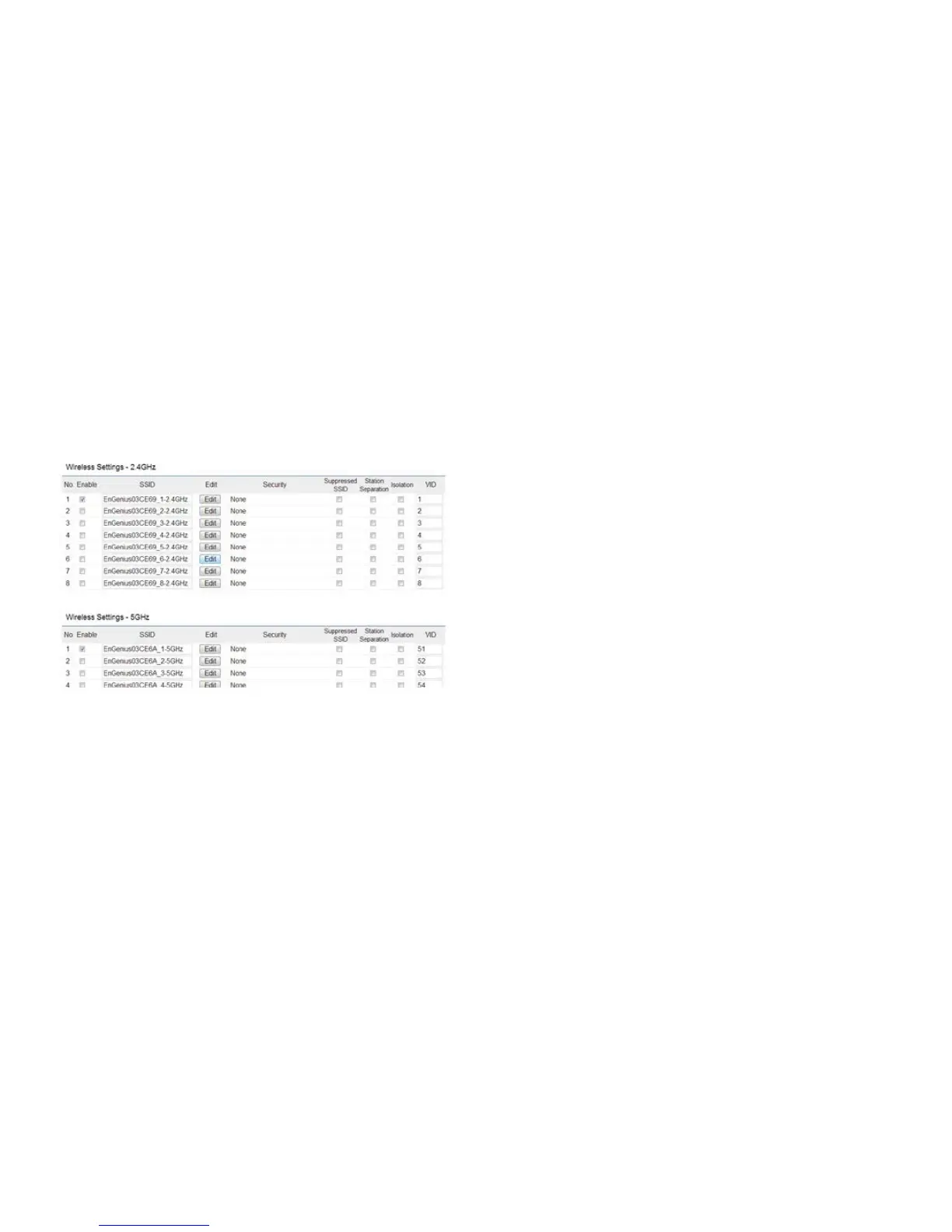
2.4GHz/5 GHz SSID Prole
Under Wireless Settings,youcanedittheSSIDproleto
tyourneeds.ClickEdit under the SSID you would like to
make changes to.
SSID:SpeciestheSSIDforthecurrentprole.
Suppressed SSID: Check this option to hide the SSID from
clients.Ifchecked,theSSIDwillnotappearinthesitesurvey.
Station Separation: Click the appropriate button to allow
or prevent communication between client devices.
Wireless Security: See the Wireless Security section on
page 36.
Isolation:ChecktheboxtoEnable or Disable the Isolation
feature.
Save: Click Save to accept the changes.



 To Next Page