35
Encryption Key: Enter the Key Value or values you wish to
use. The default is none.
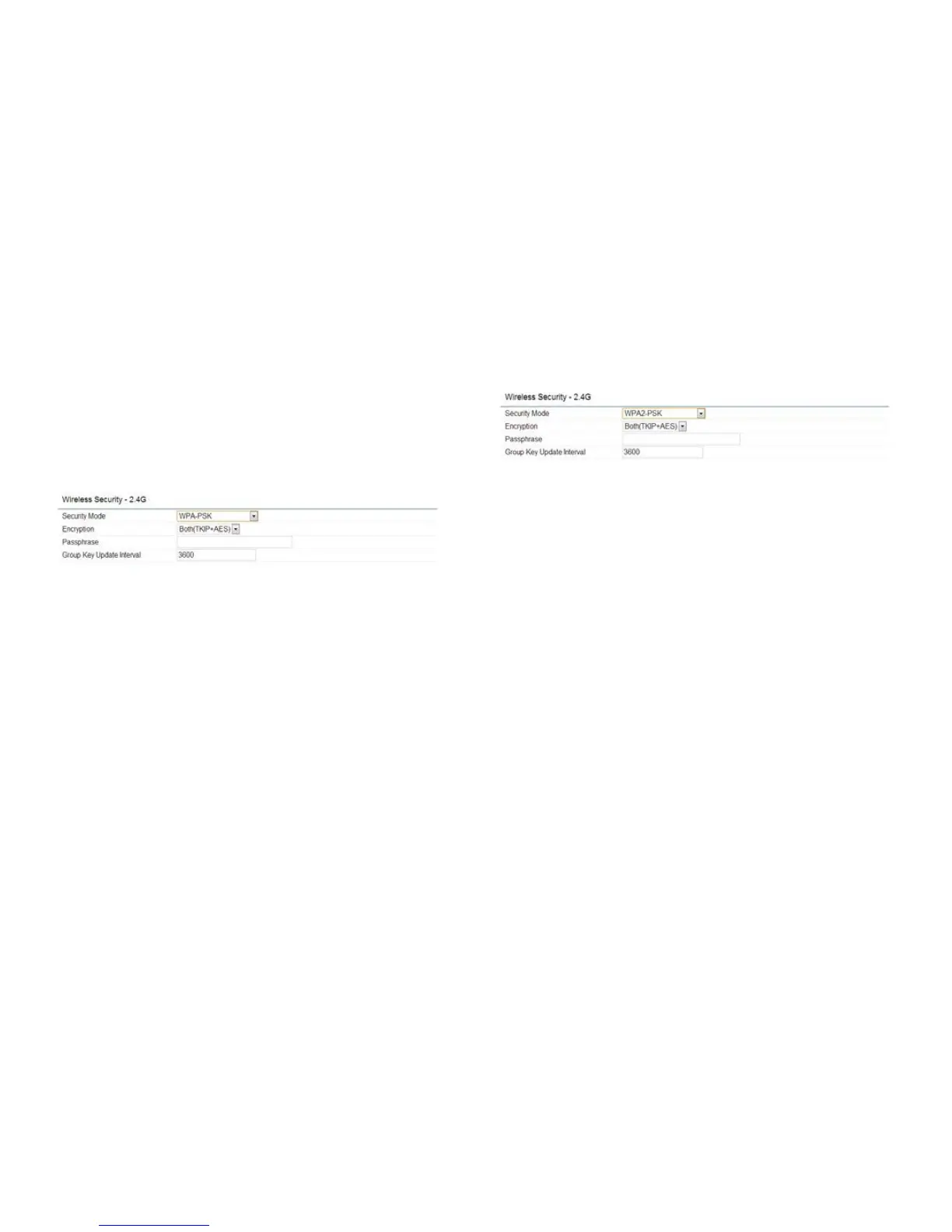
WPA-PSK (WPA Pre-Shared Key) Encryption:
Encryption:SelecttheWPAencryptiontypeyouwouldlike
to use. Please ensure that your wireless clients use the
same settings.
Passphrase: Wireless clients must use the same Key to
associatethedevice.IfusingASCIIformat,theKeymust
befrom8to63charactersinlength.IfusingHEXformat,
the Key must be 64 HEX characters in length.
Group Key Update Interval: Specifyhowoften,inseconds,
the Group Key changes.
WPA2-PSK Encryption:
Encryption:SelecttheWPAencryptiontypeyouwould
like to use. Please ensure that your wireless clients use
the same settings.
Passphrase: Wireless clients must use the same Key to
associatethedevice.IfusingASCIIformat,theKeymust
befrom8to63charactersinlength.IfusingHEXformat,
the Key must be 64 HEX characters in length.
Group Key Update Interval: Specify how often, in
seconds,theGroupKeychanges.



 To Next Page