25
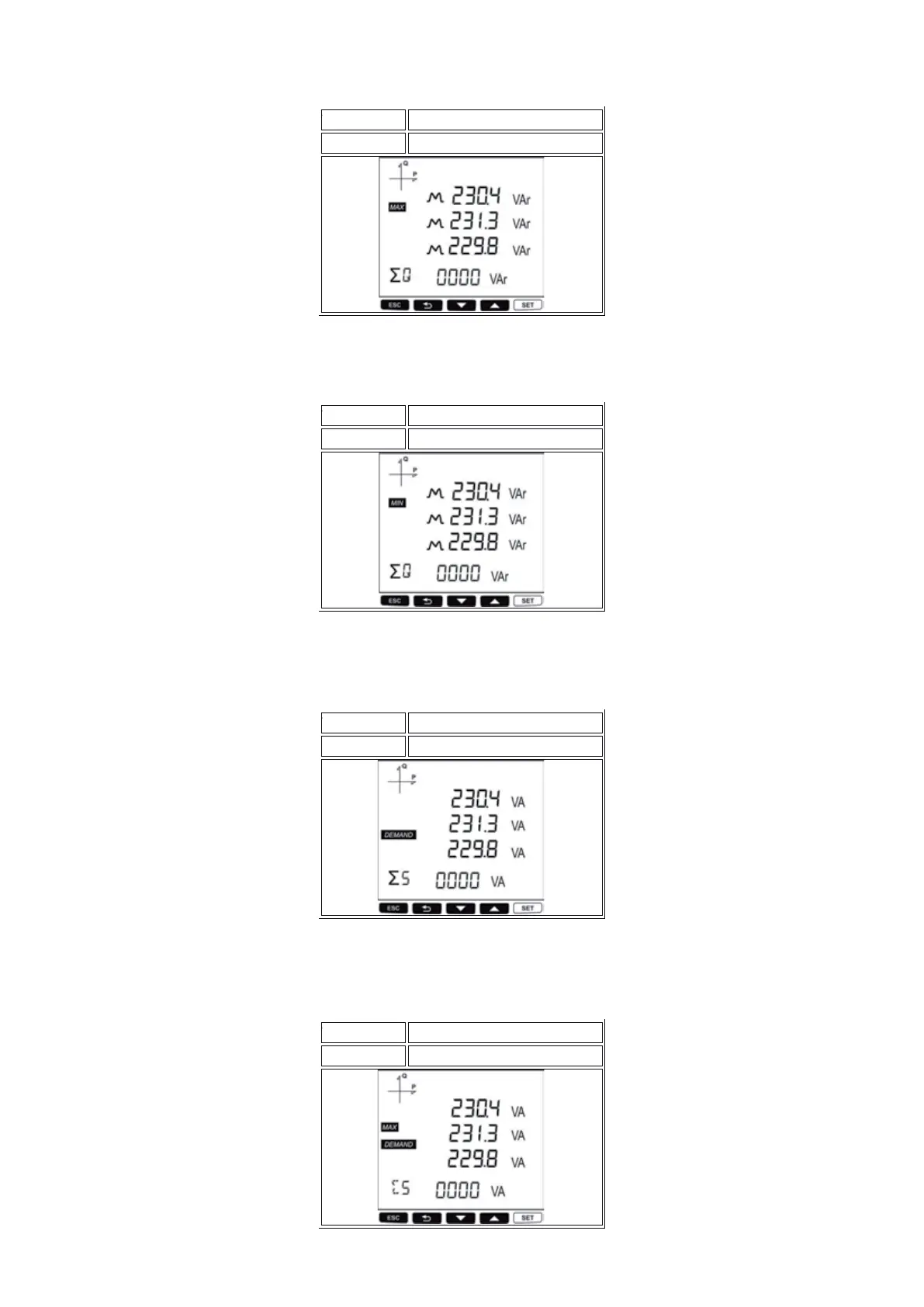
In this screen you can display Maximum Reactive Power (inductive/ capacitive) values for each
phase. At the last row yoıu can se the Total Maximum Reactive Power value.
PF F > SET
MAX Reactive Power
Button Name
Displayed Measurement Screen
In this screen you can display Minimum Reactive Power (inductive/ capacitive) values for each
phase. At the last row you can see the Total Minimum Reactive Power value.
PF F > SET
MIN Reactive Power
Button Name
Displayed Measurement Screen
In this screen you can display Apparent Power Demand values for each phase. At the last row you
can see the Total Apparent Power Demand value.
PF F > SET
Apparent Power Demand
Button Name
Displayed Measurement Screen
In this screen you can display Apparent Power Maximum Demand values for each phase. At the last
row you can see the Total Apparent Power Maximum Demand value.
PF F > SET
Apparent Power Maximum Demand
Button Name
Displayed Measurement Screen



 To Next Page