33
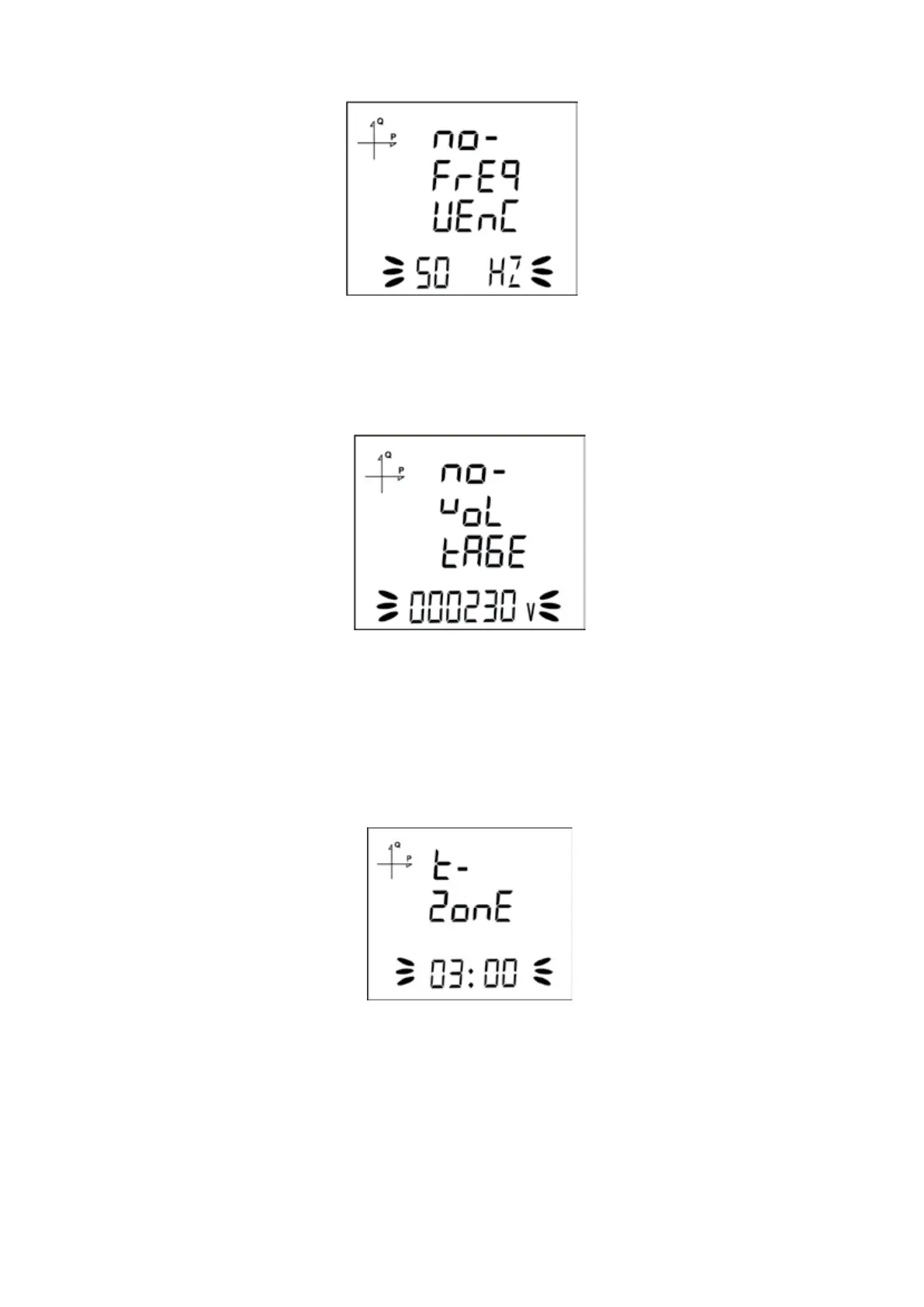
5.2.1.8. 5.2.1.8. Nominal Frequency Value Selection
1. By using UP/DOWN buttons, select your nominal network frequency as 50Hz or 60Hz.
2. After selecting the necessary value, Press the SET button and go to the next step.
5.2.1.9. Nominal Operating Voltage Value
1. Enter the nominal operating voltage value between 25 and 300 V by using SET and UP/DOWN
buttons.
2. You can approve a digit value by pressing the SET button.
3. After entering the necessary value, Press the SET button and go to the next step
5.2.1.10. Time Zone Setting
1. By using UP/DOWN buttons, you can select the time zone information about the device location
between -12:00 and +12:00 in 30 minute intervals.
2. After selecting the necessary value, Press the SET button and go to the next step.



 To Next Page