34
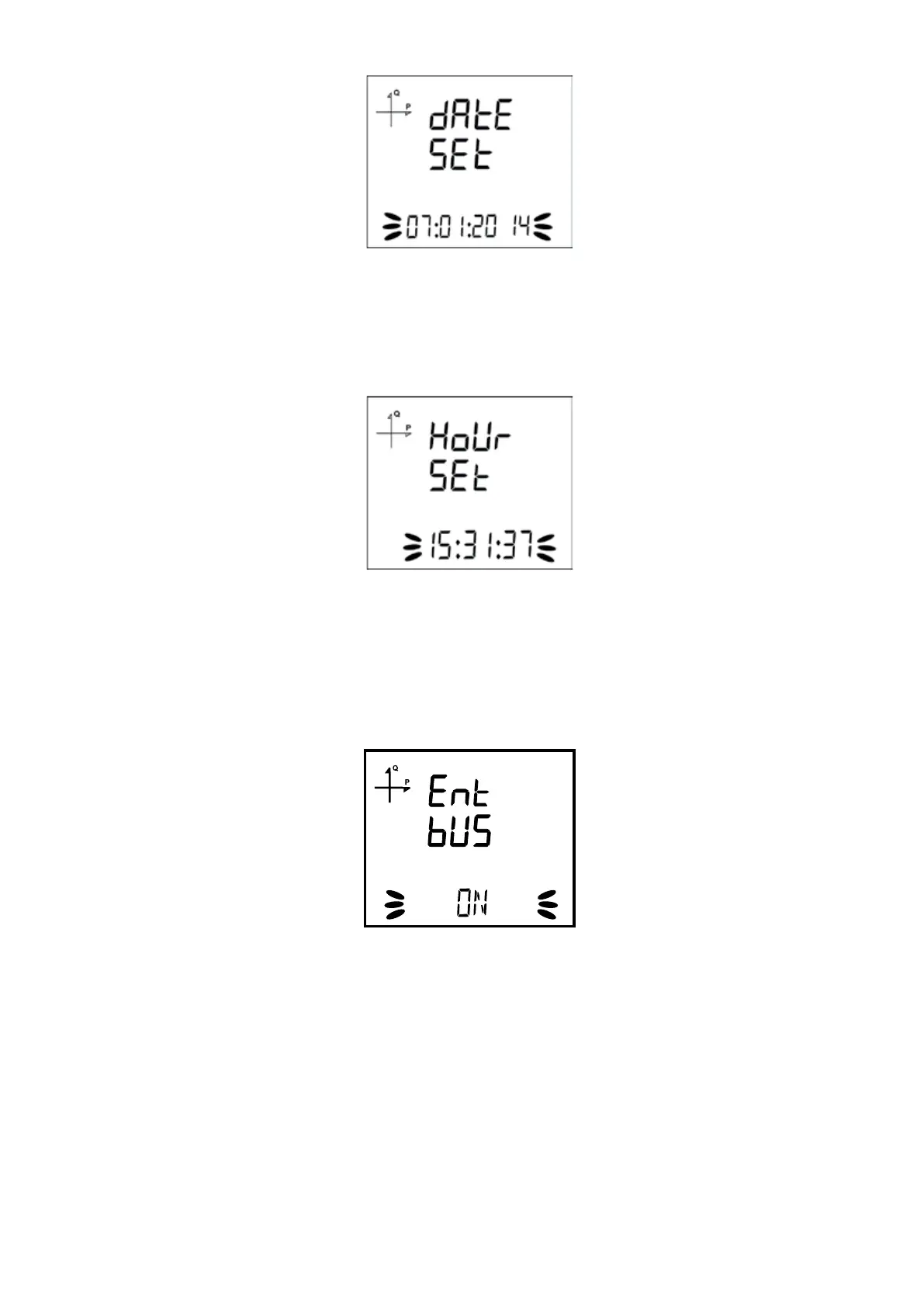
5.2.1.11. Date Setting
1. Enter the date by using SET and UP/DOWN buttons.
2. You can approve a digit value by pressing the SET button.
3. After entering the correct date, Press the SET button and go to the next step.
5.2.1.12. Hour Setting
1. Enter the time by using SET and UP/DOWN buttons.
2. After entering the correct date, Press the SET button and go to the next step.
5.2.1.13 ENTBUS Mode
This setting option is available on devices with an Ethernet connection.
1. Press the SET button while on the Ethernet Entbus screen.
2. Press the SET button while on the Entbus screen. Set the desired ON and OFF options by
using the UP and DOWN buttons and conrm with the SET button.
3. Do not forget to save your settings when you exit the menu with the BACK button.
NOTE: If the Entbus mode is set to OFF, the device will operate in server mode by accepting connec-
tion requests over TCP port.
If Entbus mode is set to ON, in client mode, the server will connect to the set server via TCP port.



 To Next Page