60
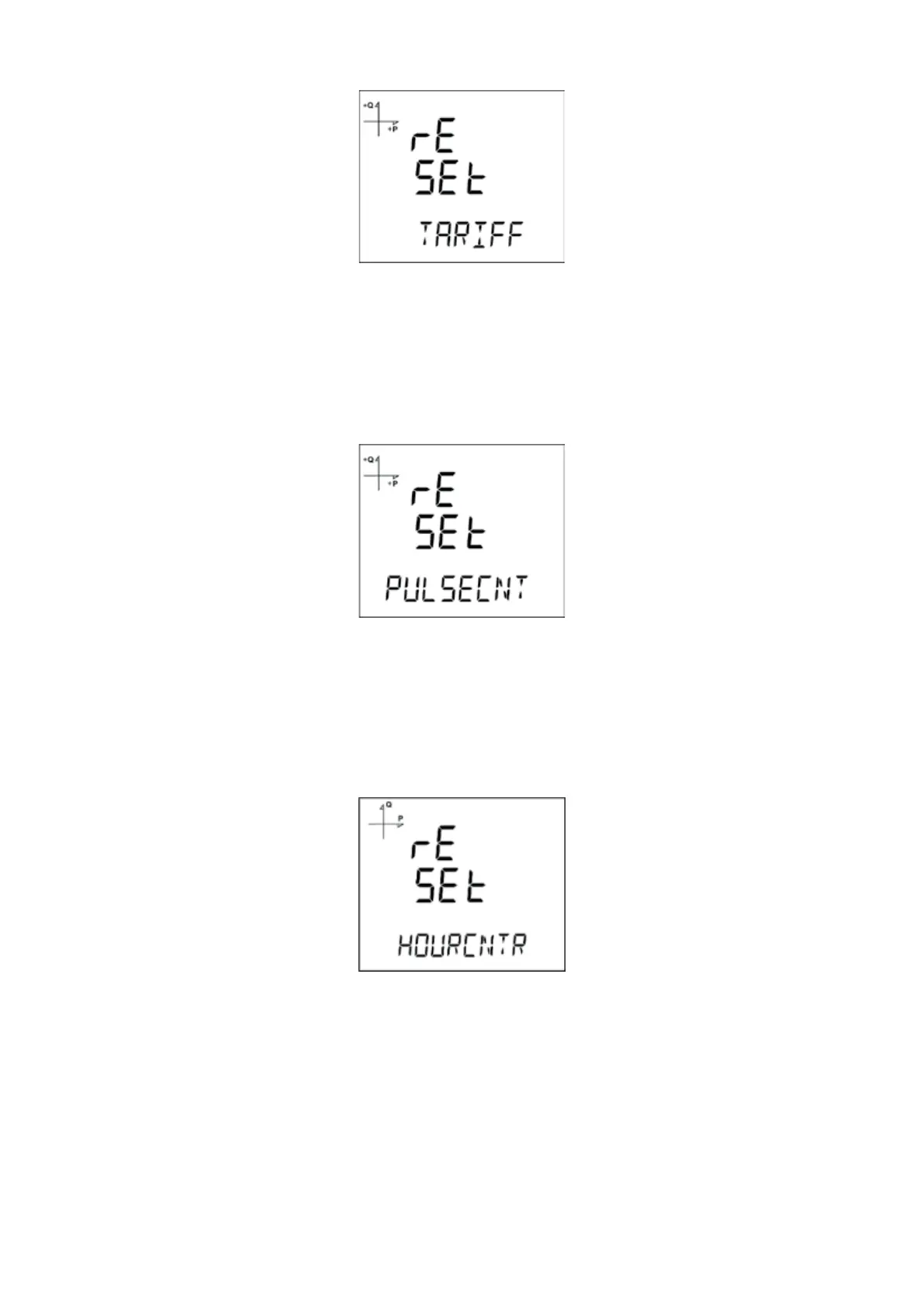
5.2.15.7. Resetting Tari Energy Values
1. Select Tari from the Reset menu and press the SET button.
2. Press the SET button while “Reset Tari” is displayed and select YES option with UP/
DOWN buttons
3. Complete the entry with the SET button.
5.2.15.8. Resetting Pulse Counter Values
1. Select PULSE CNT recordings from the Reset menu and press the SET button.
2. In the Reset PULS section that appears on the screen, select the Yes option for the reset
process by using the UP/DOWN buttons.
3. Complete the entry with the SET button.
5.2.15.9. Resetting Hour Counter Values
1. Select HourCntr recordings from the Reset menu and press the SET button.
2. In the Reset HoUr section that appears on the screen, select the Yes option for the reset
process by using the UP/DOWN buttons.
3. Complete the entry with the SET button.



 To Next Page