63
5.2.16.5. Displaying Software and Hardware Version
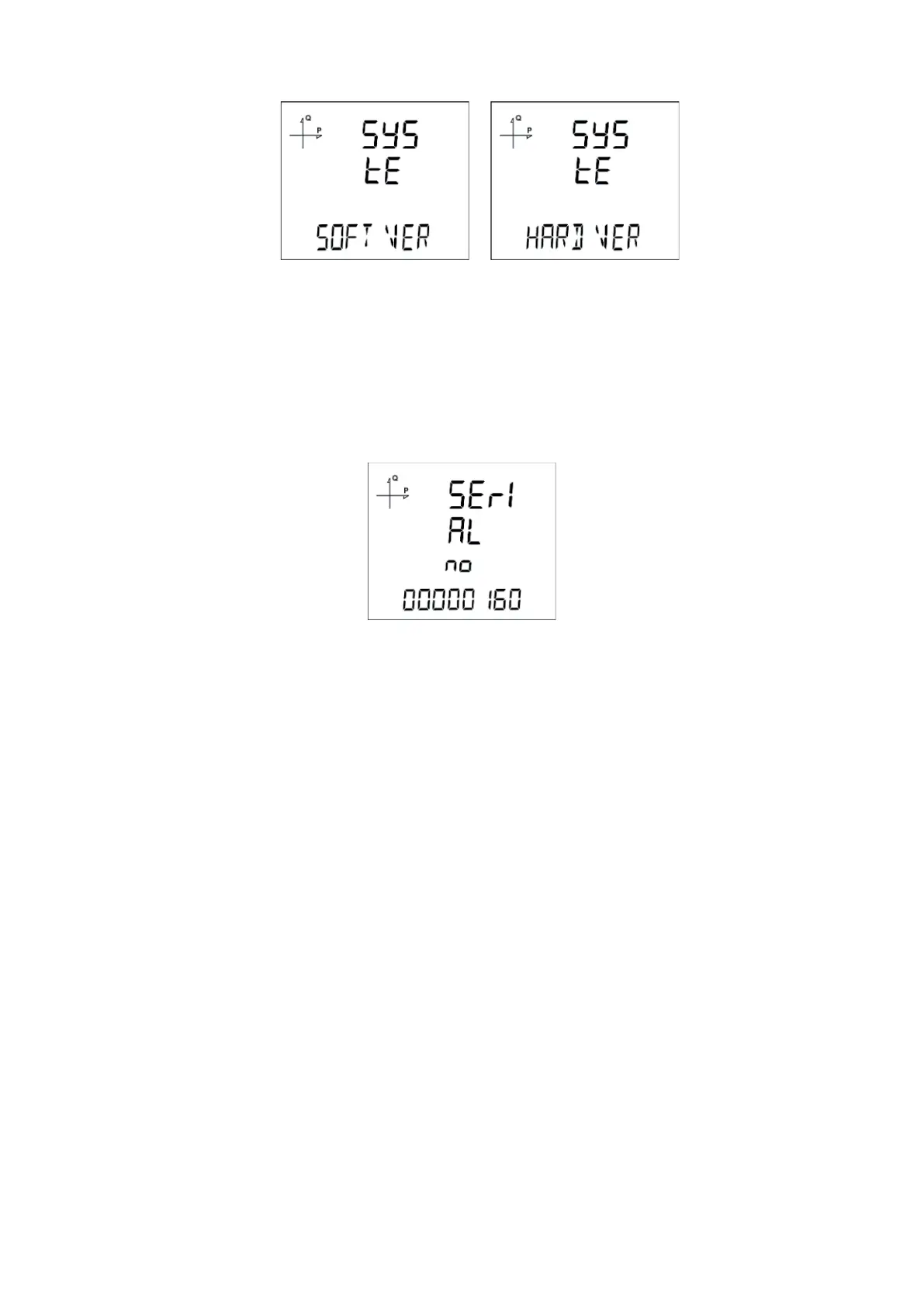
To learn the software and hardware version of the system, follow the steps below:
1. Press the SET button while the system is on the Soft VER screen.
2. The software version of the system appears on the bottom line of the screen.
3. When the SET button is pressed again, the hardware version of the system is displayed
with the phrase Hhard VerSIon.
5.2.16.6. Displaying Serial Number of the Device
1. In the system menu, press the SET button while on the Serial N screen.
2. The serial number of the device appears on the screen as 8 digits with the expression
SERIAL no.



 To Next Page