65
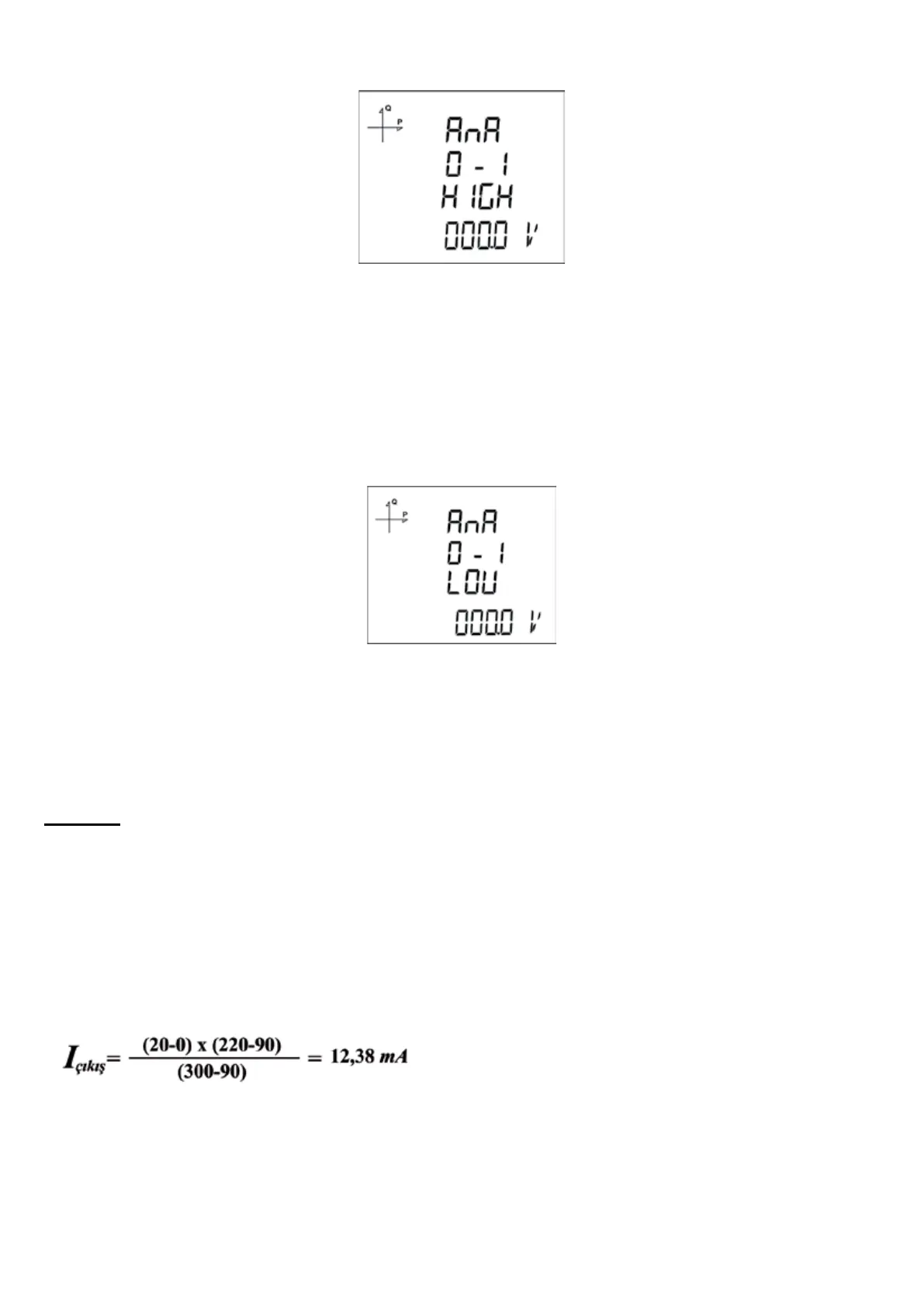
5.2.17.3. Analog Output-1 High Value Settings
1. Press the SET button while Analog O-1 High is displayed.
2. The selected option starts to blink.
3. Enter your high value with UP/DOWN buttons.
4. After entering your value, press the SET button.
5. When exiting from the menu with the BACK or ESC button, don’t forget to save the changes.
5.2.17.4. Analog Output-1 Low Value Settings
1. Press the SET button while Analog O-1 LOV is displayed.
2. The selected option starts to blink.
3. Enter your low value with UP/DOWN buttons.
4. After entering your value, press the SET button.
5. When exiting from the menu with the BACK or ESC button, don’t forget to save the changes.
Example
By going to the settings menu of the device, the following settings should be made in order.
Type: 0-20 mA
Parametre: VLN1
Low (Low value): 90 V High (High Value): 300 V
According to the settings above, analog output will be 0 mA when VL1 value is 90 V or lower and it
will be 20 mA when VL1 value is 300 V or larger.
When VL1 value is 200 V;
the output value is
calculated as seen
above



 To Next Page