7-8
Checking Printer Status and Managing the Print Jobs for Macintosh
R4C428_V2
long.bk Rev_C
A5 size STATM.FM
1/14/00 Pass 2
L
Proof Sign-off:
tantoname _______
leadername _______
editorname _______
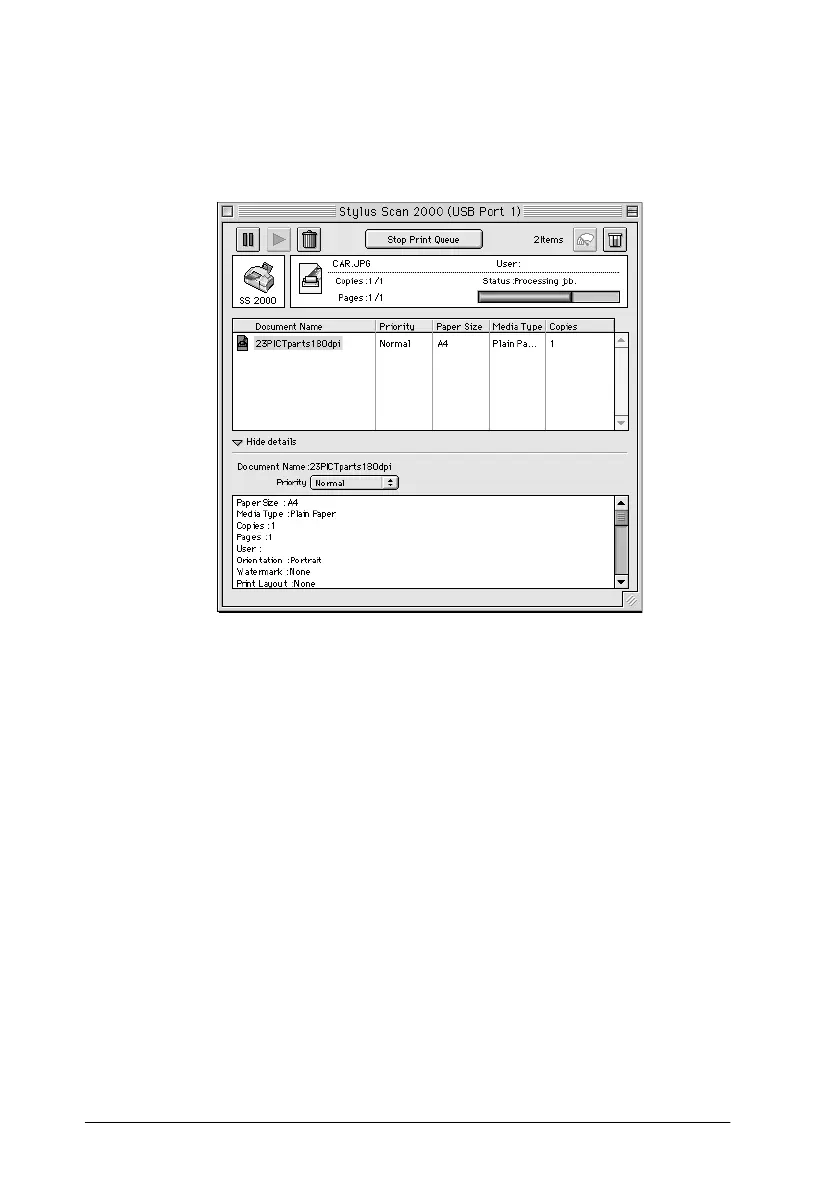
1. Click the
Show details
arrow at the bottom of the EPSON
Monitor3 dialog box. The dialog box will expand as shown
below.
2. Click the name of the document whose priority you wish to
change in the Document Name column.
3. From the Priority list, select
Urgent
,
Normal
,
Hold
, or
Print
Time
.
Note:
If you select
Print Time
, a dialog box appears where you can specify
the date and time that the document will print. Make sure that your
Stylus Scan and computer are turned on at the time you specify.



 To Next Page