Using the Printer Software for Macintosh
6-19
R4C428_V2
long.bk Rev_C
A5 size SOFTM.FM
1/14/00 Pass 2
R
Proof Sign-off:
tantoname _______
leadername _______
editorname _______
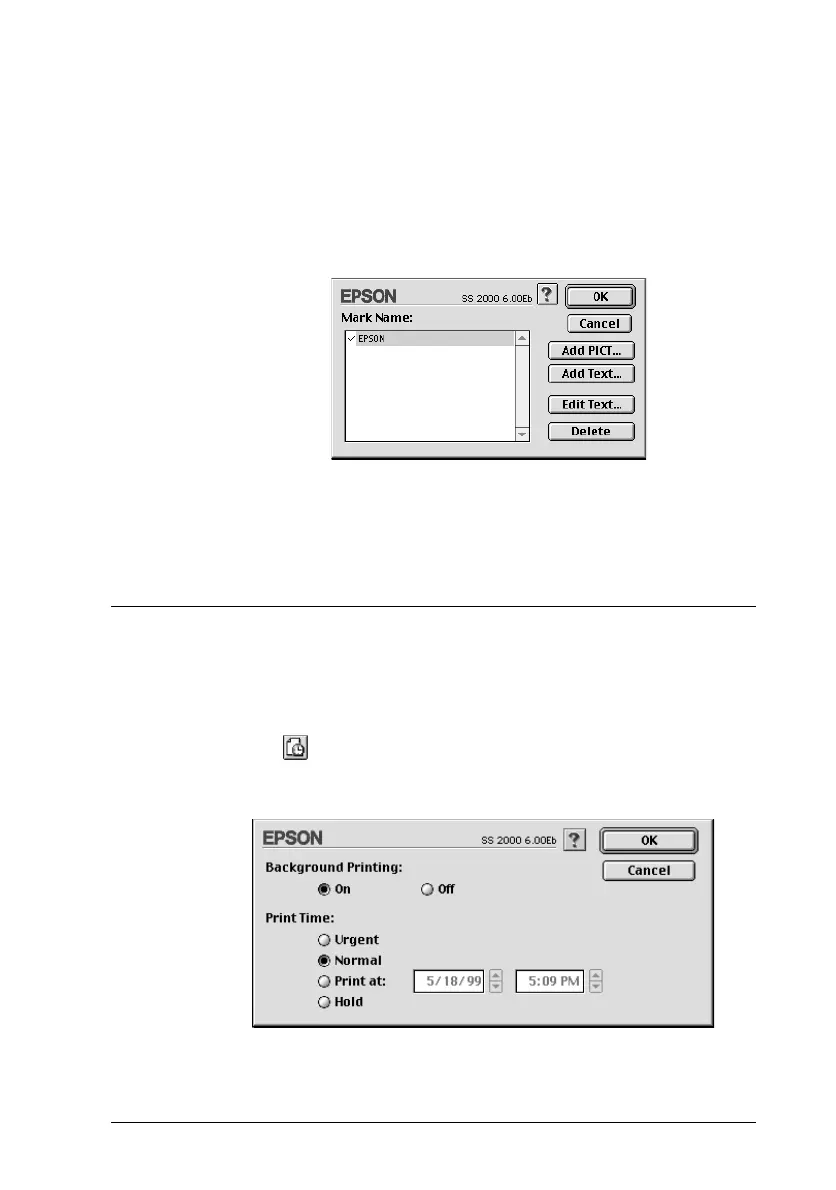
3. The image file name or the watermark text appears in the
Mark Name list in the Watermark dialog box. To change the
name of an image watermark, click it in the list, then type a
new name. When a text watermark is selected in the Name
list, you can edit the text, and change the font and text style,
by clicking the
Edit Text
button.
4. Click
OK
to add your watermark to the Name list in the Page
Layout dialog box.
Setting the Print Time
You can specify the time that you want the Stylus Scan to begin
printing your document. Follow these steps.
1. Click the
Background Printing
icon button in the Print
dialog box. The Background Printing dialog box appears.



 To Next Page