6-18
Using the Printer Software for Macintosh
R4C428_V2
long.bk Rev_C
A5 size SOFTM.FM
1/14/00 Pass 2
L
Proof Sign-off:
tantoname _______
leadername _______
editorname _______
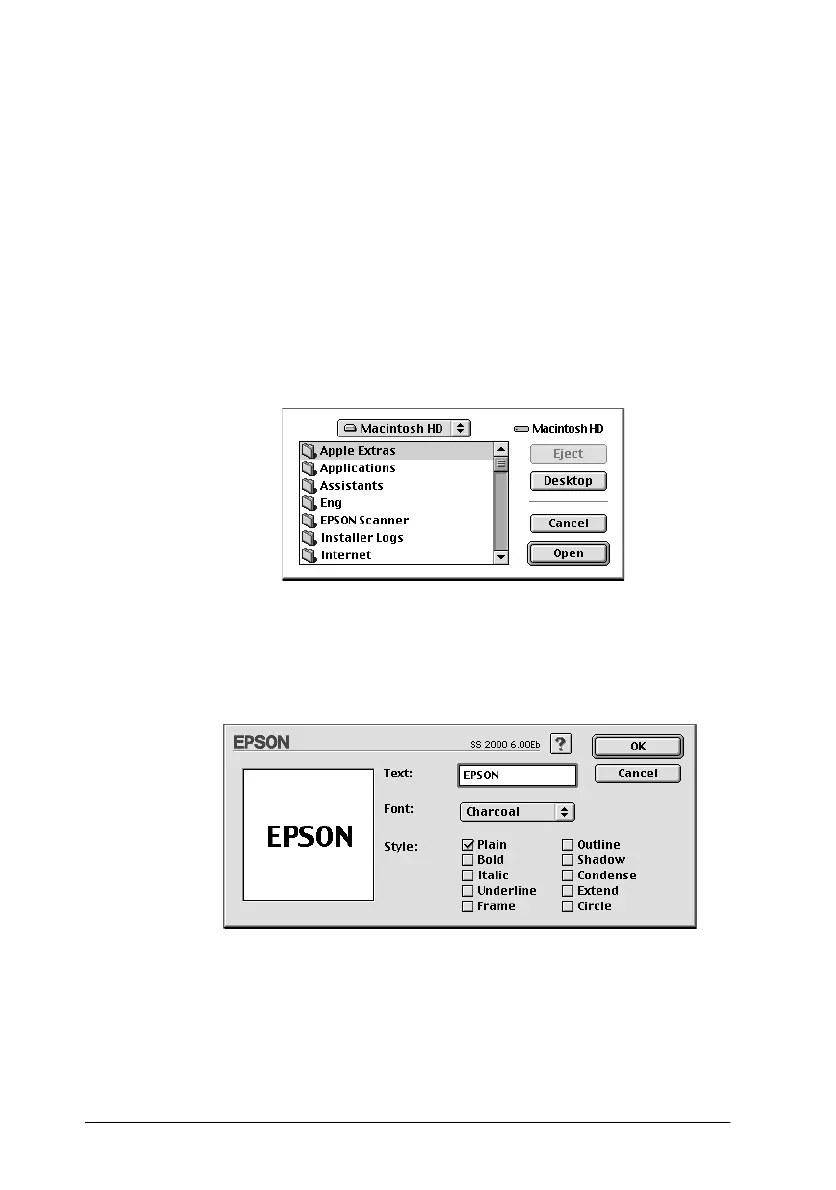
2. To use an image file as a watermark, click the
Add PICT
button.
Note:
The Custom Watermark dialog box allows you to save PICT files as
watermarks. If you have QuickTime 2.1 or higher installed, images
in other formats can be used as watermarks because QuickTime
automatically converts them to PICT files. A message is displayed
if QuickTime encounters a graphics file that cannot be converted.
Select the desired image file, then click
Open
.
To create a text-based watermark, click the
Add Text
button.
Type the text in the Text box, select a font and a text style, then
click
OK
.



 To Next Page