9-8
Copying
R4C428_V2
long.bk Rev_C
A5 size COPY.FM
1/14/00 Pass 2
L
Proof Sign-off:
tantoname _______
leadername _______
editorname _______
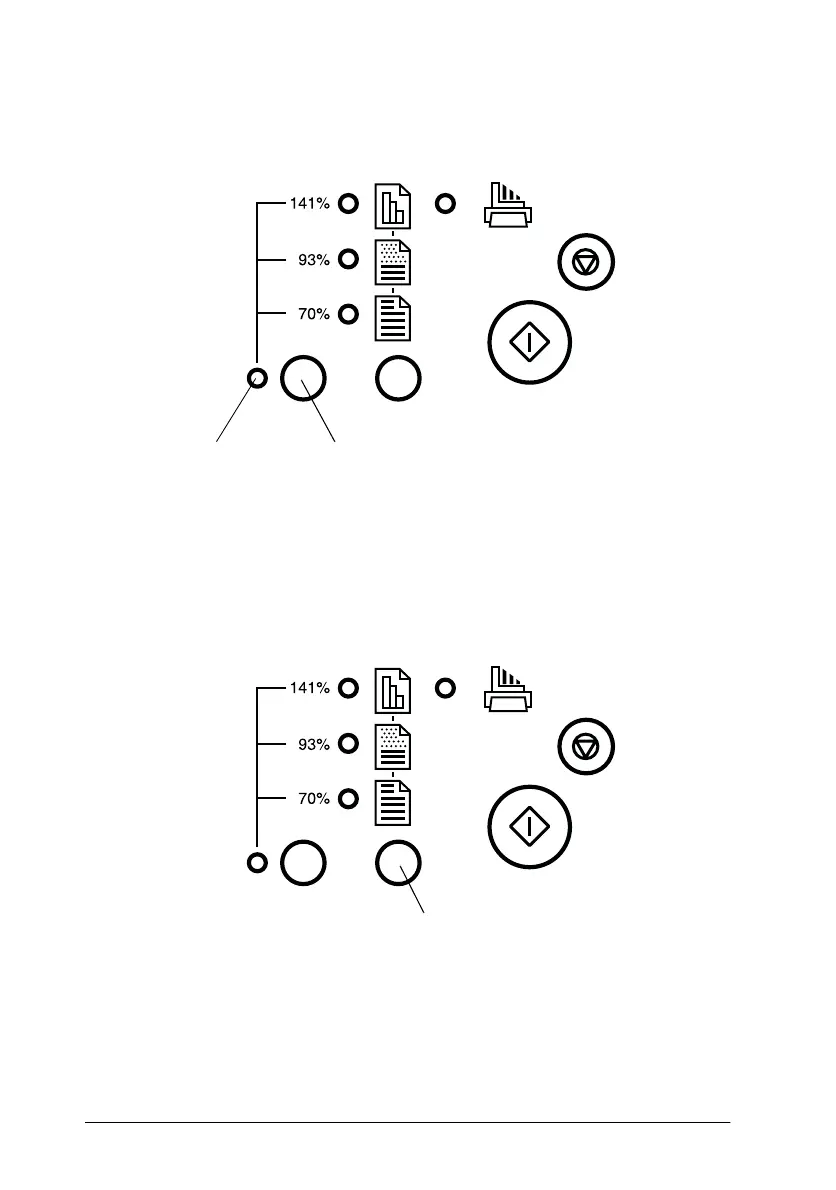
You can choose from the following settings: 100%, 70%, 93%, or
141%.
Making the copy mode setting
Press the copy mode button as many times as necessary to select
the mode you want. The setting changes each time you press the
button; the selector lights indicate the current mode setting.
reduce/enlarge light reduce/enlarge button
copy mode button



 To Next Page