3-8
Loading the Paper
R4C428_V2
long.bk Rev_C
A5 size PAPER.FM
1/14/00 Pass 2
L
Proof Sign-off:
tantoname _______
leadername _______
editorname _______
❏
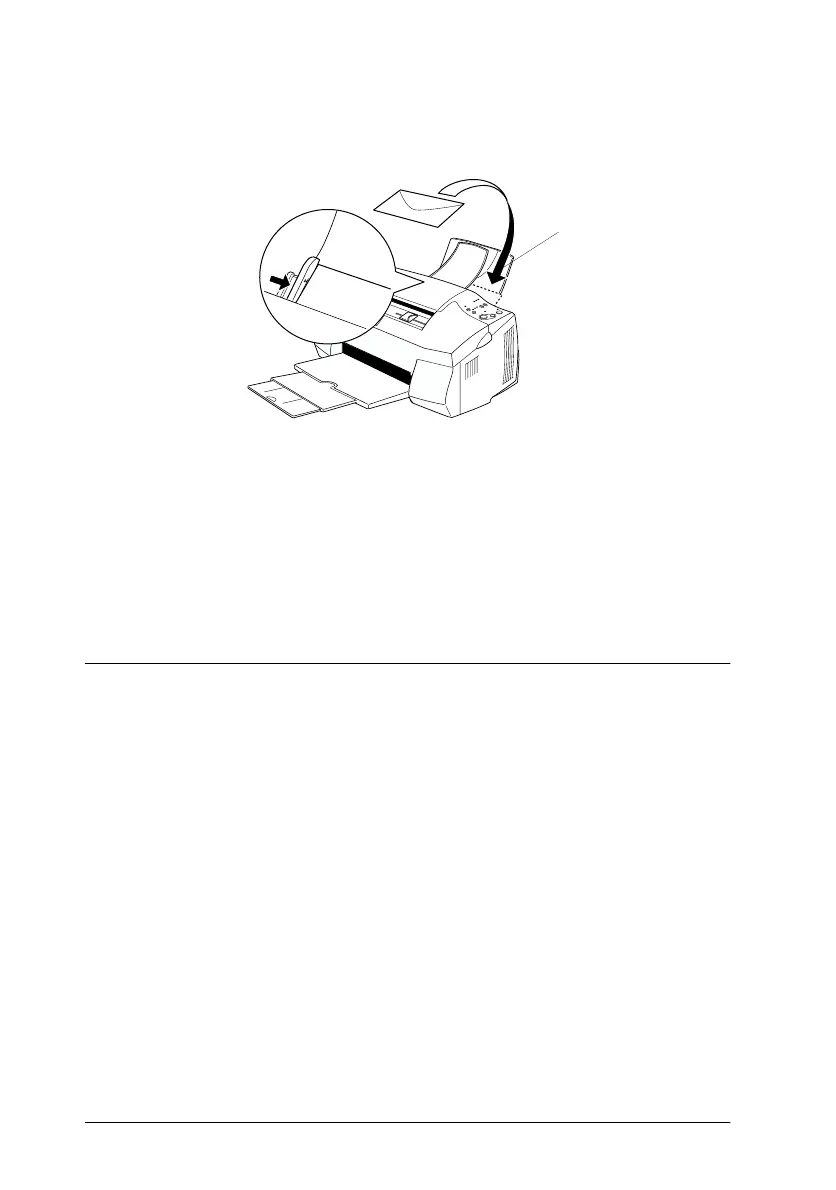
Load envelopes flap edge first with the flap side down, as
shown below.
❏
Do not use envelopes that are curled or folded. Make sure to
flatten the envelope flaps before loading. Also avoid using
envelopes that are too thin; they may curl during printing.
❏
Select
Plain Paper
as the Media Type setting on the printer
driver.
Using EPSON Photo Paper
EPSON Photo Paper (S041134, S041254) is perforated around the
margins so you can trim your printed images to look like 4
×
6
inch (102
×
152 mm) or 200
×
300 mm photographs.
Loading Photo Paper
Note the following when loading EPSON Photo Paper:
Available envelopes
sizes are:
No.10, DL, C6



 To Next Page